App Onboarding
Evaluating regional support needs before acquisition spend
Compare Australian service coverage, support hours, issue ownership and help routes with a proposed app campaign audience.
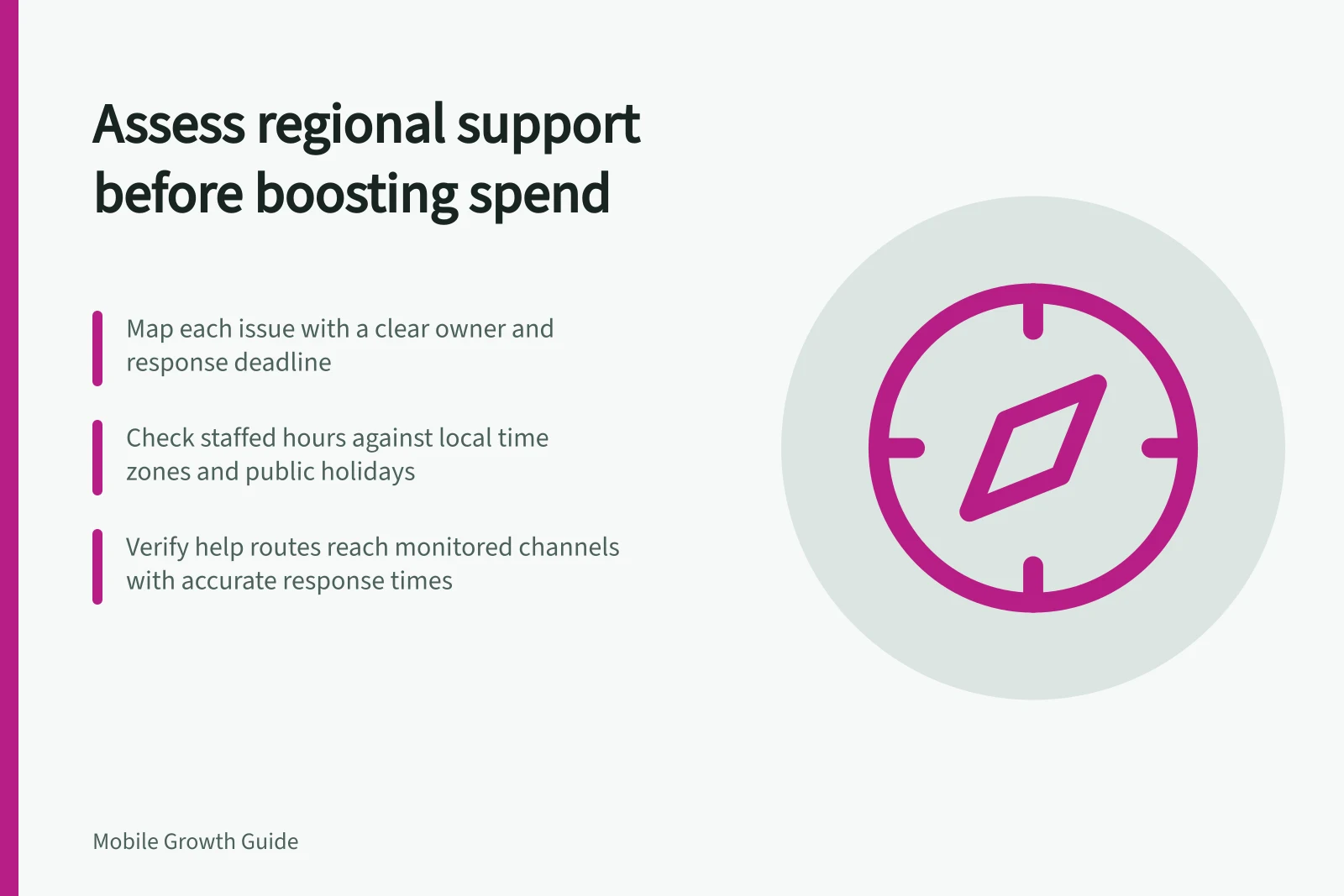
Before increasing acquisition spend, assess each proposed Australian service area separately. Trace the advertised task, set the latest useful response time for each material issue, then compare product availability, a monitored help route and staffed coverage against that deadline; mark the area ready, limited or held.
Map the issues the campaign may create
Follow the advertised task from first open to completion. Identify points where someone may need a person or a clear self-service answer, such as account access, eligibility, a failed booking or a payment question; include only issues that apply to the app.
For each issue, record its owner, what the app can tell someone while their case remains open, and the latest time a response can still help. Set that deadline by considering the issue’s consequences: a problem blocking an imminent appointment may need attention sooner than a question about a future preference.
Compare coverage with the campaign audience
Create a record for each area used in the product’s service availability or campaign targeting. Note whether the advertised task is available there, the audience in that area, staffed support hours and the time zone used for the coverage roster.
Australia has multiple time zones and different daylight-saving observance. Label the hours with the applicable time zone, check them against the team’s actual roster, and include planned closures and any public-holiday staffing changes; if the app shows local time, test that display too.
| Check | Evidence to review | Decision if missing |
|---|---|---|
| Service coverage | Current served areas and eligibility rules | Limit targeting or clarify the claim |
| Contact route | A working path to relevant help | Repair the route |
| Issue ownership | An owner for likely blocking issues | Assign responsibility |
| Hours and urgency | Staffed hours, time zone and escalation route | Limit exposure or give an accurate fallback |
| Resolution | A way to identify unresolved cases | Review them before expanding |
Support Coverage vs. Campaign Audience by Region
- New South Wales (Sydney)
- Ready
- Victoria (Melbourne)
- Limited
- Western Australia (Perth)
- Held
- Queensland (Brisbane)
- Ready
Verify the public help route
For an iOS app, check the support URL displayed on the App Store to users who have downloaded the app. Apple requires this URL to lead to actual contact information, such as a legal address, email address or telephone number, as may be required by local law; the URL can be localised.
Follow the help route a user would see on each platform, including Android, and confirm that its destination is current and reaches a monitored channel. Record the channel and the hours it is monitored; a valid store field does not establish a response time.
Set expectations the team can meet. A first response should tell someone what is known, what they can do next and when another response is expected; outside staffed hours or during a planned closure, explain what can safely wait and how a request can be preserved where the product supports that route.
Make a regional spend decision
Mark an area ready only when the advertised task is available there, each material issue has an owner and a usable help route, and support can respond within that issue’s useful time window. A safe route for issues that can wait may cover periods outside staffed hours.
For example, if the campaign advertises booking, mark an area ready when booking is available and a failed-booking issue has an owner and a monitored route that can meet its useful response window. Mark it limited if availability or coverage serves only part of the proposed audience; hold it if booking is unavailable or a time-sensitive failure has no workable route or owner.
Keep a regional readiness register with one record per area: task availability, audience served, issue owners and response deadlines, help route, staffed hours and time zone, closure handling, status and reason. Use it to check whether each area’s support matches the campaign claim before increasing spend.
After launch, review unresolved cases from the acquired audience alongside completed tasks, by area and issue. A higher contact count can reflect more users as well as more friction, so inspect the cases before diagnosing a problem.
Expand reach when the support route can meet the claim made to that area. If it cannot, correct the route or narrow the audience first.