App Onboarding
Part of Mobile referral programmes
Choosing an app action that can support a referral
Choose a referral qualifying action that reflects a useful completed task, with clear eligibility, timing and reversal rules.
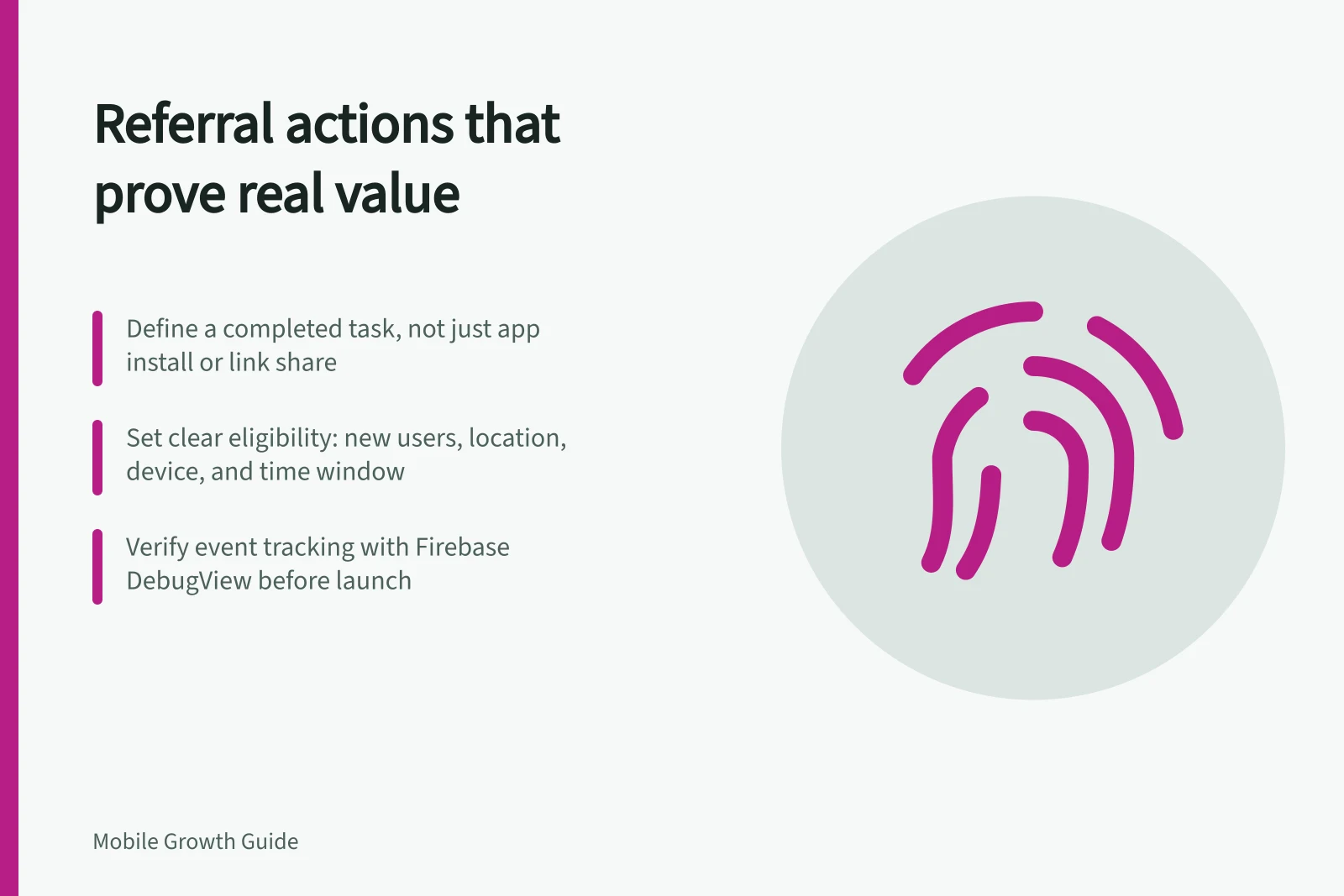
Choose a referral qualifying action that shows the invited person reached a useful result. Before offering a reward, define its completed state, eligible users, time window and reversal rule. Sharing a link or installing the app may mark progress, but neither alone shows that the invited person benefited.
Separate the prompt from qualification
The prompt moment is when an existing user has enough experience to make a credible recommendation. The qualifying action is what the invited person must complete before a reward is considered. They need not be the same task.
In a hypothetical appointment app, an existing user might see an invitation option after managing a booking. The invited person might qualify only after confirming their own eligible booking. That is an example of a program rule, not a rule for every appointment app.
| Candidate action | What it may show | Referral question |
|---|---|---|
| Install or first open | The app was obtained or launched | Has the person received the promised benefit? |
| Account creation | An account exists | Could this happen without using the service? |
| Task attempt | The person tried a feature | Did the attempt succeed? |
| Completed task | A defined result was reached | Is it eligible, and can it be reversed? |
An app launch does not by itself show that the invited person completed a booking or another task-specific result. Define and check an event for that result.
Test the candidate against the referral promise
Ask whether the action represents what the invitation promises. If saving a plan is the benefit, a plan saved successfully and available to reopen is stronger evidence than tapping “Save”. The action should be achievable by the intended new-user group. Decide whether another legitimate route to the same benefit also qualifies.
Specify the successful state and exclusions. A cancelled booking, empty plan or failed payment may require different treatment.
Decide whether the first successful occurrence counts, whether later occurrences can count and how long the invited person has to finish. Choose a window that fits the task rather than an arbitrary reporting day.
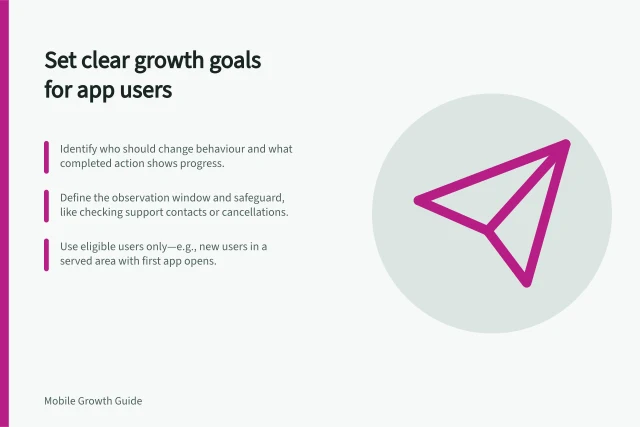
Set eligibility before the offer goes out
Define who counts as new, whether an existing customer can accept a referral, and which locations and product versions support the task. State what happens if someone opens a link on one device and completes the task on another. Where identity evidence cannot connect those steps, leave the claim unresolved rather than guessing.
Explain the rule in terms a recipient can understand: name the task, deadline and material cancellation or reversal conditions. The offer and landing page should describe the same rule.
Check the event definition
Compare the intended result with successful, failed, repeated and interrupted task paths across supported app versions. Firebase DebugView can show events logged by a development device near real time. Seeing an event there helps inspect instrumentation; it does not prove complete production coverage or that the reward rule is fair.
After the program begins, compare qualification with later useful use. If many people qualify but cannot use the result, the action may be too shallow. If useful users are regularly excluded, revisit the eligibility or event rule. Keep old and revised rules distinct in reward records and reports.