App Store Listings
Part of App store listing experiments
Recording what a listing experiment changed
Keep a useful record of listing variants, eligible traffic, store metrics, overlapping changes, uncertainty and the final decision.
A listing experiment record should let someone reconstruct the comparison and the decision later. Keep the original and variant assets, eligible audience, store metric, dates, overlapping changes and reported result together. “New screenshots won” leaves too much unknown.
Capture the change before launch
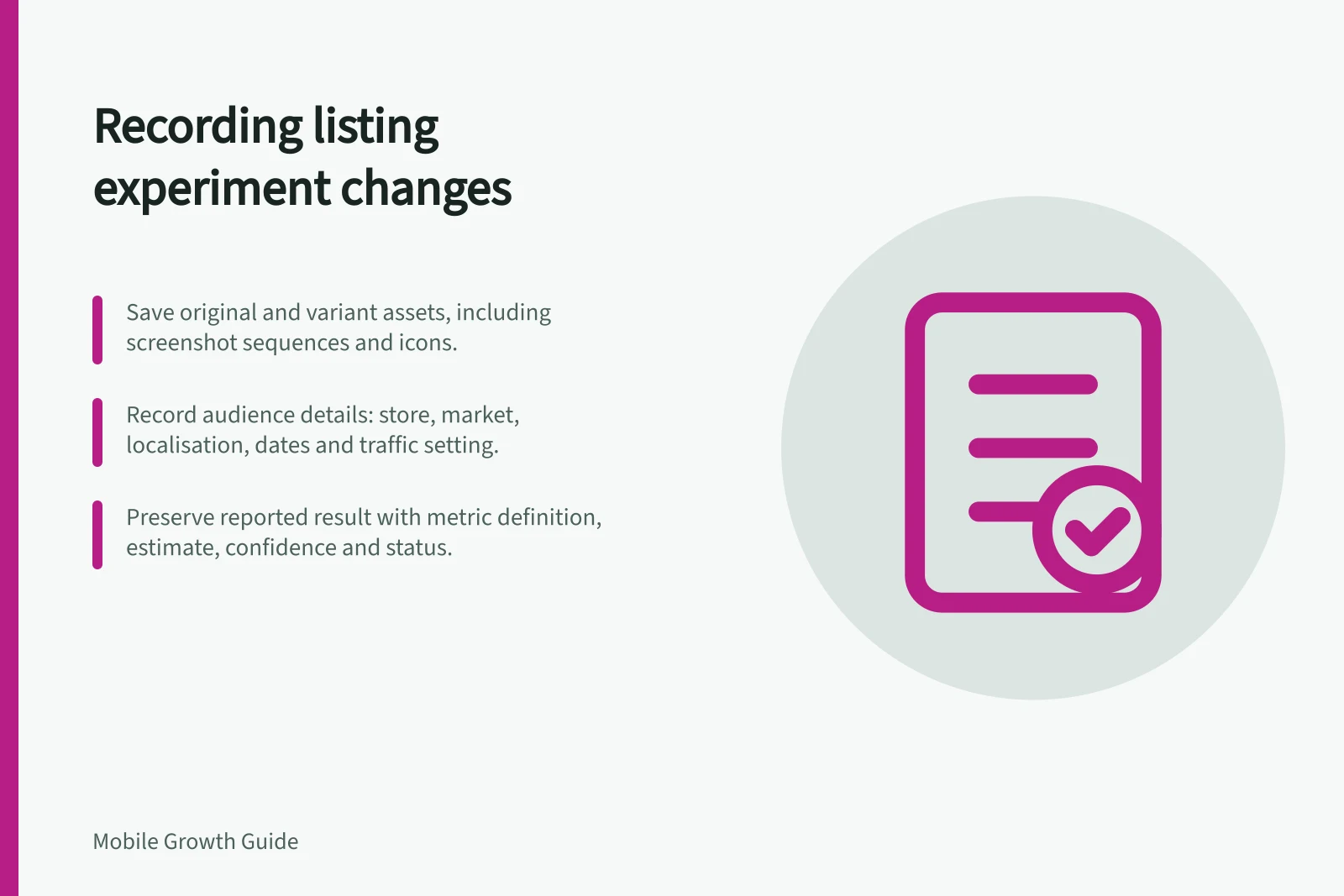
Give the experiment a stable internal name and state its question in one sentence. Save the original listing assets and every variant. List the exact icons, screenshots, order, captions or other permitted assets changed.
If three screenshots change together, describe them as one sequence treatment. If an icon changes at the same time, the result cannot isolate the screenshots.
Apple Product Page Optimization treatments start as copies of the original page, retaining unedited assets. Record what remained unchanged as well as what changed, especially when asset files are revised later.
Record eligibility and context
Include the store, listing type, app version, selected localisations or languages, market of interest, traffic setting and start and end dates. Apple’s setup selects localisations and a treatment traffic proportion. Label a test “Australian” only when its configured audience or available reporting supports that description.
Add dated notes for releases, campaigns, listing edits and service-availability changes during the run. Apple warns that releasing a version containing tested assets or metadata may affect a Product Page Optimization test. Record whether such a change actually occurred; the general warning is not evidence that it did.
Key milestones in a listing experiment
- Test setup
- Configure treatment in App Store Connect or Google Play Console
- Launch date
- Start of experiment period
- Release with tested assets
- Note if app version update included test assets – may affect results
- End date
- Test concludes; results become available
- Decision and rollout
- Apply winning variant or retain original; document when live
Preserve the reported result
Field / Record
- Question and variant
- Intended visitor decision and exact changed assets
- Audience
- Store, listing, eligible language or localisation, market and traffic setting
- Outcome
- Selected store metric and its definition
- Result
- Available counts, estimate, interval or confidence, and reported status
- Context
- Relevant app, listing and campaign changes
- Decision
- Apply, retain, repeat or leave unresolved, with a reason
Use the store’s own result terms. Apple reports estimated conversion, relative lift, confidence and treatment status. If a result is inconclusive, preserve that status and the available figures. Do not replace it with “no effect”.
App Store listing experiment metrics (Apple App Store)
- Selected metric
- Estimated conversion rate
- Treatment status
- Significant, inconclusive, or not significant
Record what became live
After the decision, note whether a treatment was applied, which assets became live and when. A recommendation to use an icon does not establish that every visitor saw it.
If a later release changes the listing again, keep that change in a new record or version so the old experiment is not mistaken for evidence about the new page.