App Onboarding
Part of Mobile app onboarding
Reducing setup steps before the first useful action
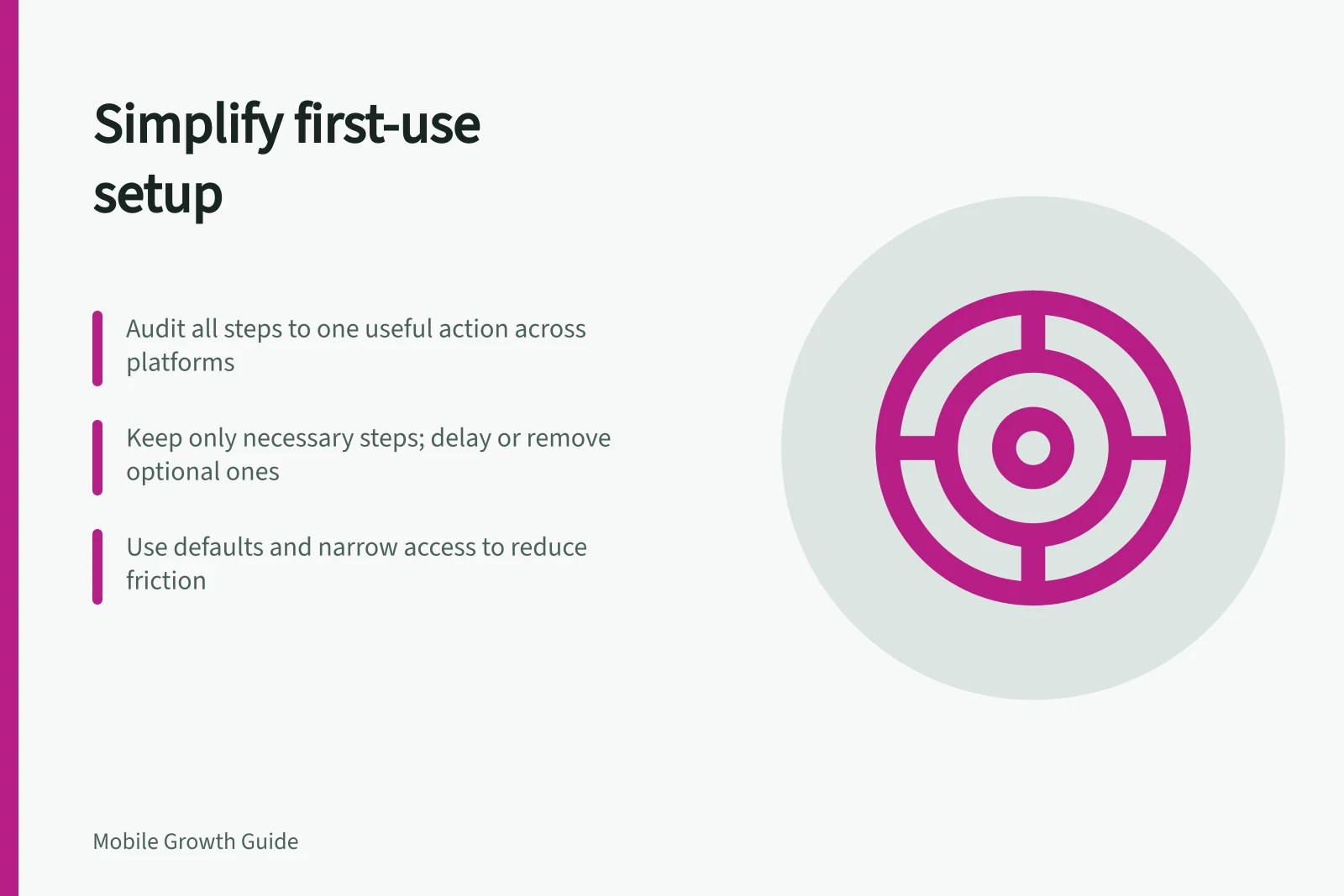
Audit the route to an app's first useful action, distinguish necessary setup from later choices, and check the effect of changes.
To reduce first-use setup, trace the route to one useful action and examine every step before it. Keep only steps the task or an applicable requirement genuinely needs, move later choices closer to their use, and make necessary interruptions recoverable.
Audit the route
Choose a new-user task and define its completed state; in a hypothetical appointment app, that task could be finding an available time.
On each supported platform, list the welcome screens, choices, sign-in steps, fields, permission requests and errors encountered before that result.
Check relevant entry routes too: an invitation may lead somewhere different from a direct app open.
Count decisions and recovery work, not just taps. A one-tap choice may still require thought; a rejected form may make someone repeat earlier work. Record what information each step needs and whether the app already has it.
Sort steps by necessity
| Step type | Question | Possible treatment |
|---|---|---|
| Necessary now | Does the task or an applicable requirement depend on it? | Keep it, explain its purpose and make errors recoverable. |
| Necessary later | Does a later task need it? | Ask when that task begins. |
| Optional | Does it personalise or promote without enabling this task? | Offer it later or in settings. |
| Duplicated | Has the app already obtained the information? | Reuse it where appropriate and permitted. |
Apply the test to the chosen action. Confirming a booking may require contact details; viewing availability may not. If an account is needed to save work across devices, assess whether a preview or temporary draft can serve the earlier task before sign-in.
Treat sign-in as a setup step to justify against the chosen action, rather than assuming it is needed for every task.
Step Type Evaluation by Necessity
- Necessary now
- Keep it; explain purpose; ensure recoverability
- Necessary later
- Ask when the task begins
- Optional
- Offer later or in settings
- Duplicated
- Reuse where permitted
Use defaults and narrower routes where they fit
A sensible initial preference may let someone begin and adjust it later. If a choice determines whether the task is available, ask it clearly and explain the consequence.
Apply the same test to form fields: distinguish what the first result needs from information collected for a later process. Preserve entered work when an unavoidable step fails.
Some device tasks can avoid broad access. For example, Android's photo picker lets a person select particular images or videos without giving the app access to the whole media library.
That route fits only when selected media meets the feature's needs. If runtime permission is necessary, Android recommends asking when the person invokes the relevant feature.
Check the effect of a change
Record the original route and the exact step changed. Compare eligible new users who complete the chosen action within a suitable window, while checking errors, abandoned work and later task success. A shorter route may be worse if it hides a requirement until the end.
Review relevant paths separately. Existing account holders, people who decline optional access and people entering through an invitation may encounter different steps. Keep a change only after checking that the completed result remains valid and useful.