App Store Listings
Part of App store optimisation
Researching app store queries without assuming download volume
Find relevant app store query language, read your own store reports correctly and avoid treating suggestions or clicks as download volume.
Research app store queries as clues to user language and intent, not as a count of downloads available to win. Start with real tasks, inspect what candidate phrases appear to mean, and use your own store reports where available. Keep observations about a phrase separate from estimates of market demand.
Key Sources for App Store Query Research in Australia
- Apple App Store Connect Analytics
- https://developer.apple.com/help/app-store-connect-analytics/acquisition/acquisition
- Apple App Store Search
- https://developer.apple.com/app-store/search/
Start with the task
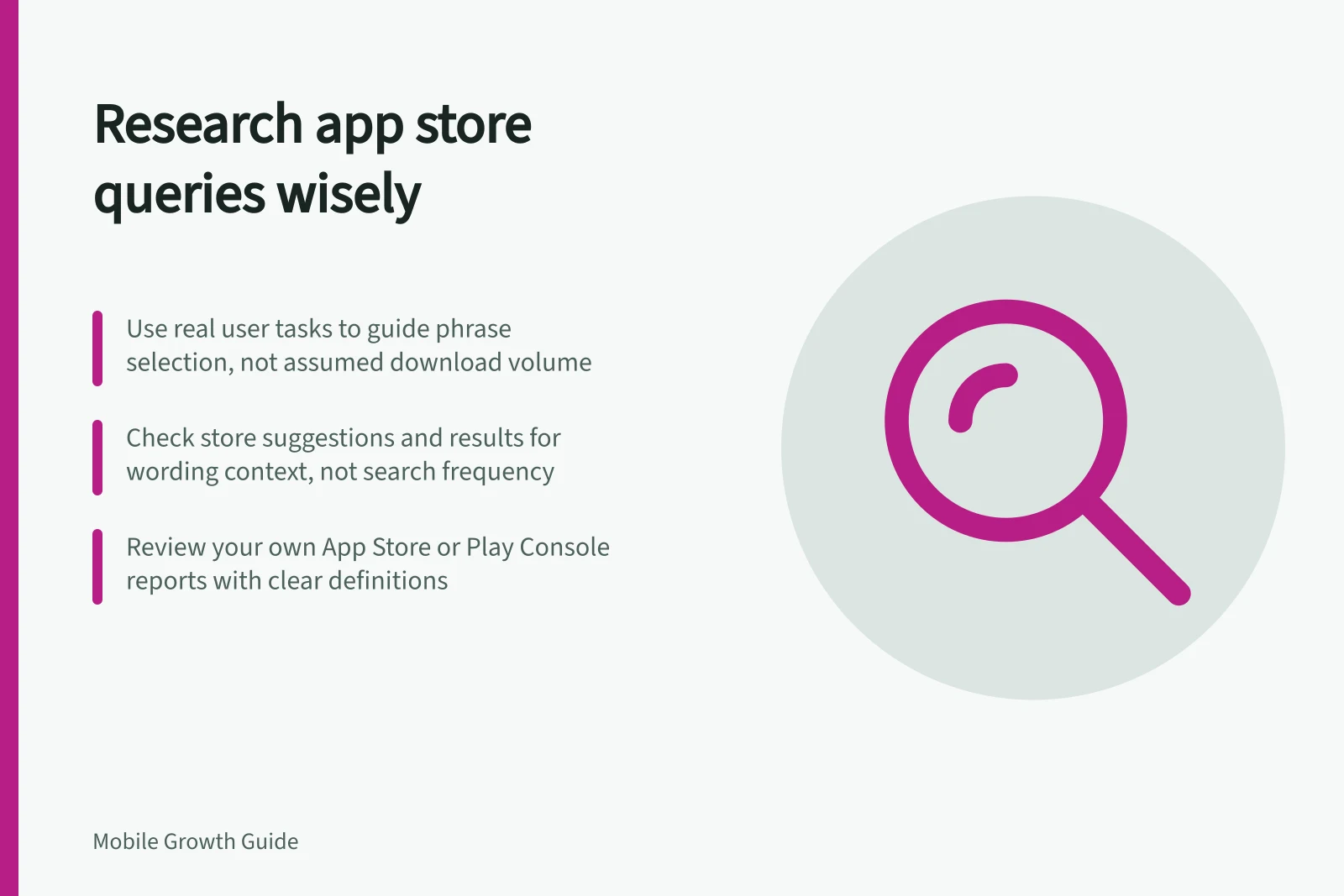
Write the problem in a user’s words. Add alternative verbs, objects and context: someone might want to track a booking, manage an itinerary or scan a document. Keep phrases that match something the current app can do.
For each candidate, note the intended task and possible ambiguity. “Planner”, for example, can mean many things.
Search the relevant store in the intended market and inspect suggestions and results. They offer a snapshot of wording and result context, not a count of searches, installs or future ranking.
Label the evidence you have
| Observation | What it can help answer | What it cannot establish |
|---|---|---|
| A phrase heard in product conversations | How some people describe a need | Store-wide query frequency |
| Store suggestions or visible results | Possible wording and current result context | Downloads attributable to the phrase |
| If a store report includes a query-related metric for your app | What the metric measures for your app | Total demand for the term across the store |
| App Store search as an Apple acquisition source | How your app performed within that source | Individual phrase volume or purely organic traffic |
Use Google Play Console reports to review your own app’s performance. Check each report’s definitions and scope before drawing conclusions about query demand.
Apple’s acquisition view can show how many users discover and download your app from App Store search, and you can filter by territory and device. Use it to review your app’s acquisition, not to estimate the market-wide opportunity for an individual phrase.
Prioritise relevance
Group phrases into those that closely match a task, those that need qualification, and those that do not fit the app. Discard the last group even if the wording looks popular. For a qualified phrase, check whether the listing can explain the relevant use case accurately.
Apple says App Store search results consider text relevance. This includes matches for an app’s title, subtitle, keywords and primary category, plus user behaviour such as downloads, ratings and reviews.
Keep a decision log
For each phrase, note the store, market, date, intended task, visible result context, any observation from your own reports and its denominator, and the decision to use, investigate or discard it.
Revisit the list when the product or audience changes. If metadata changes, record when it changed and watch relevant measures without attributing every movement to that edit; competing listings, ads and audiences can change too.
Before acting on a phrase, check that it describes a task the app supports. Record what evidence would confirm or challenge its value.
![Write app descriptions around real tasks: Lead with the main task and its useful result, using 'can [task] to [result]'; Explain features that make the task possible, including saving, sharing or returning to work; Place limits like subscriptions or device needs near the claims they qualify. Writing an app description around actual use cases](/covers/writing-an-app-description-around-actual-use-cases-640.webp?v=4fc47029)