App Onboarding
Part of In-app messaging
Suppressing messages after a task is completed
Use task state to stop obsolete in-app messages, while keeping campaign frequency and temporary display suppression separate.
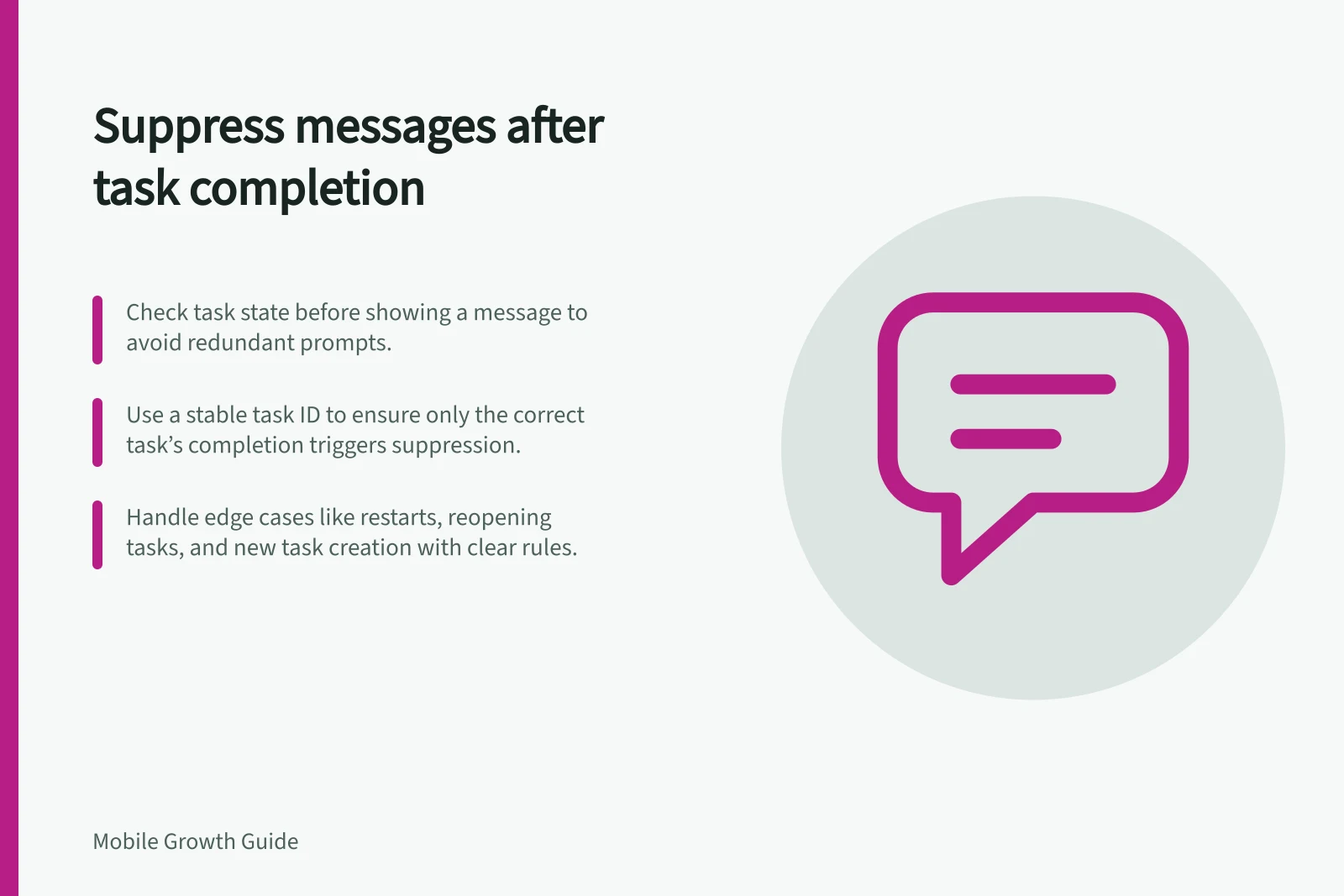
Stop a task-related message when its task is complete, even if the campaign can still trigger it.
Base that decision on the task's state and check it before the message can appear.
Define completion precisely
Choose the state that makes the prompt obsolete. For a booking reminder, it may be a confirmed booking rather than a tap on the confirmation button. For a draft hint, it may be submission or deletion.
Decide whether the rule applies to one task, every task of that type or the account.
Use a stable task identifier when several tasks can exist. Completing one booking should not hide help for another unfinished booking.
Equally, an old campaign audience should not revive a reminder for the completed booking.
A task-based eligibility check can follow this sequence:
- Identify the task named by the message.
- Read its latest available state.
- Allow the message only while that task is eligible.
- Recheck when completion and display can happen close together.
- Record why the message was shown or suppressed so faults can be investigated.
Where tasks can be completed on another device, the app needs a way to refresh state before showing an old reminder.
If it cannot confirm the current state, delaying the reminder until it can check is a reasonable fallback.
Keep three controls separate
Task-state suppression follows the authoritative state of the task and should survive an app restart.
Campaign frequency limits repeat displays. That limit does not establish task completion.
Temporary display suppression can protect a flow such as payment. Firebase provides controls for suppressing message display, including an Android SDK method that determines whether messages are suppressed.
That control affects message display broadly; it is not a persistent, per-task completion record.
Three Controls in In-App Messaging: Purpose and Scope
- Task-State SuppressionBased on actual task completion; survives app restarts; tied to individual task state.
- Campaign FrequencyLimits how often a campaign triggers; does not confirm task completion.
- Temporary Display SuppressionPrevents immediate display during sensitive flows (e.g., payment); not persistent or task-specific.
Check the edge cases
Include completion just before a trigger and completion while a prompt is pending. Also cover restart, task reopening and creation of a new task of the same type.
For each case, specify which task identifier the message refers to and whether it should appear.
Also check the destination of a message already displayed before completion. If someone taps it later, show the current task state rather than an action that is no longer available.