App Onboarding
Part of In-app messaging
Testing whether an in-app prompt improves task success
Design a prompt-versus-no-prompt test around task completion, fair assignment and useful guardrail measures.
To test whether a prompt helps, compare eligible people assigned to see it with eligible people assigned to a no-prompt experience. Measure completion of the task the prompt supports, not just impressions or taps, and define eligibility, the outcome and the observation window before assignment.
Specify one question
Example: among people who reach an unfinished draft screen, does a saving hint increase the share who save the draft during that visit? Define a valid save, when the visit begins, and how to treat someone who leaves and returns. This question is a design example, not a result.
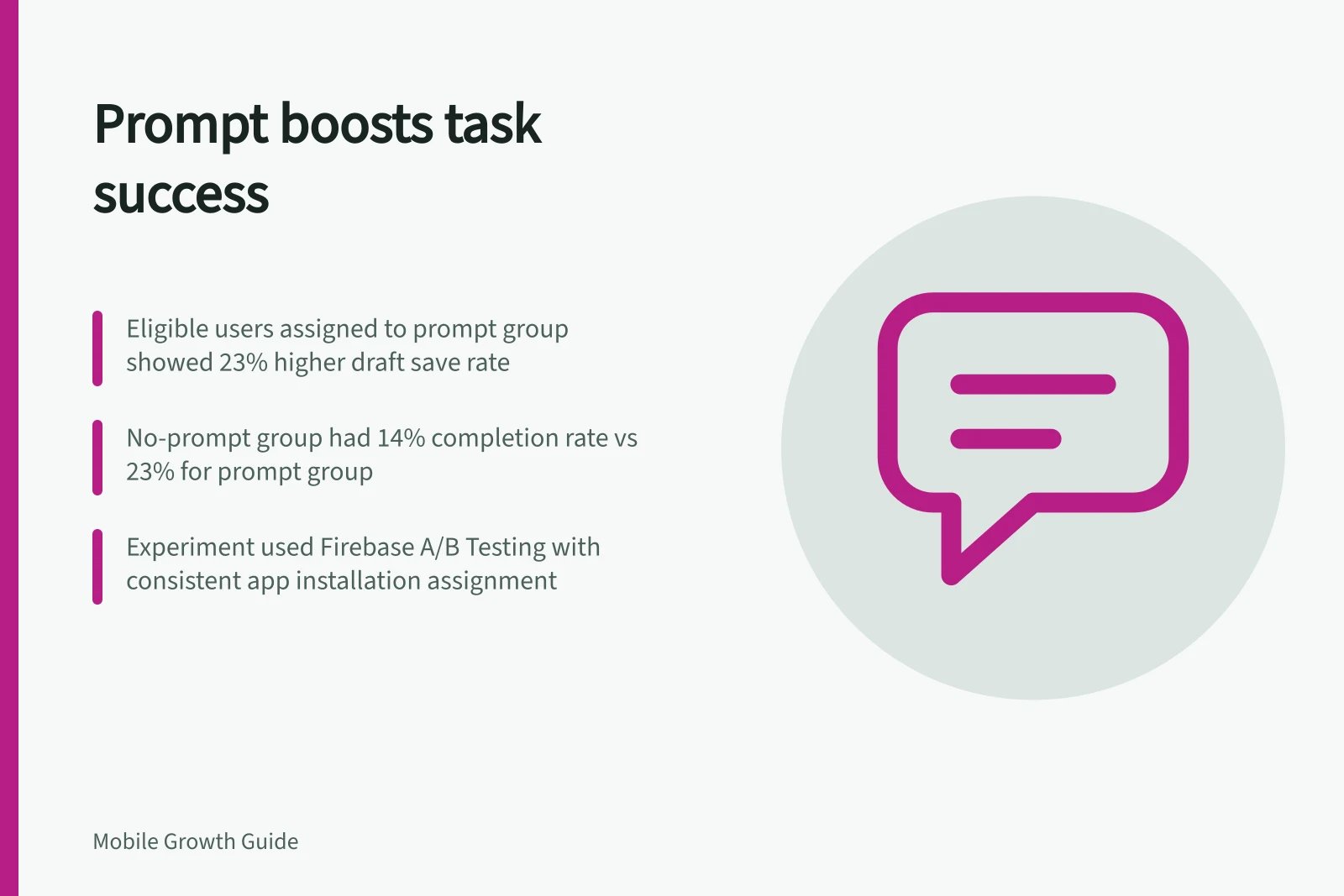
Assign people to groups consistently before either group could encounter the prompt. Choose a stable assignment unit, such as a person or an app installation, and keep it consistent during the experiment.
Compare everyone assigned under the same eligibility rule, including people in the prompt group who leave before seeing it. Comparing only viewers with non-viewers could confuse the effect of staying in the app with the effect of the prompt.
Measure / Purpose
- Eligible people assigned
- Fair denominator for both groups
- Task completions
- Primary outcome tied to the prompt's purpose
- Displays and display errors
- Check whether the prompt reached its assigned group
- Dismissals and task exits
- Identify possible interference
- App version and platform
- Investigate implementation differences
You must define these measures in the app's analytics; not every product provides them as automatic fields.
Designing a Valid In-App Prompt Test
- Define eligibility (e.g., users reaching an unfinished draft screen)
- Assign users consistently using a stable unit (e.g., app installation or user ID)
- Measure task completion (e.g., draft saved during visit)
- Track delivery, dismissals, exits and platform differences
- Compare results over a defined observation window
Protect the comparison
Keep the underlying task experience the same in both groups. Do not change the relevant screen or task logic for one group when introducing the prompt. Coordinate similar campaigns and verify that the completion event represents actual success rather than repeated taps.
Firebase A/B Testing supports In-App Messaging experiments for Android when its setup requirements are met. Its documented experiment compares variants of one message, with a message as the baseline, and requires Google Analytics for experiment data. It can help compare wording or presentation.
For a prompt-versus-no-prompt question, use an implementation that can assign and measure a genuine no-prompt group. Firebase also documents delays for newly qualifying Analytics audiences, so an audience based on an immediately changing state may be unsuitable for time-sensitive eligibility.
Pros and Cons of Using Firebase for In-App Messaging Tests
- ProsSupports Android A/B testing with In-App Messaging; integrates with Google Analytics; enables comparison of message variants
- ConsRequires setup compliance; delayed audience updates may affect time-sensitive eligibility; changing app behaviour mid-experiment risks validity
Interpret the task result
Compare completion rates over the chosen window, then inspect delivery, dismissals, exits and platform differences. More taps without more completions do not meet a task-success goal.
A change accompanied by more exits or errors needs investigation. With little traffic, a small difference may remain inconclusive.
Record the hypothesis, group rules, event definitions, dates, app versions and changes made during the experiment. Firebase warns that changing app behaviour during a running experiment may affect its results.