App Analytics
Part of App analytics implementation
Defining a consistent mobile event taxonomy
Define app events by observable states, controlled properties, ownership and change rules so teams can interpret them consistently.
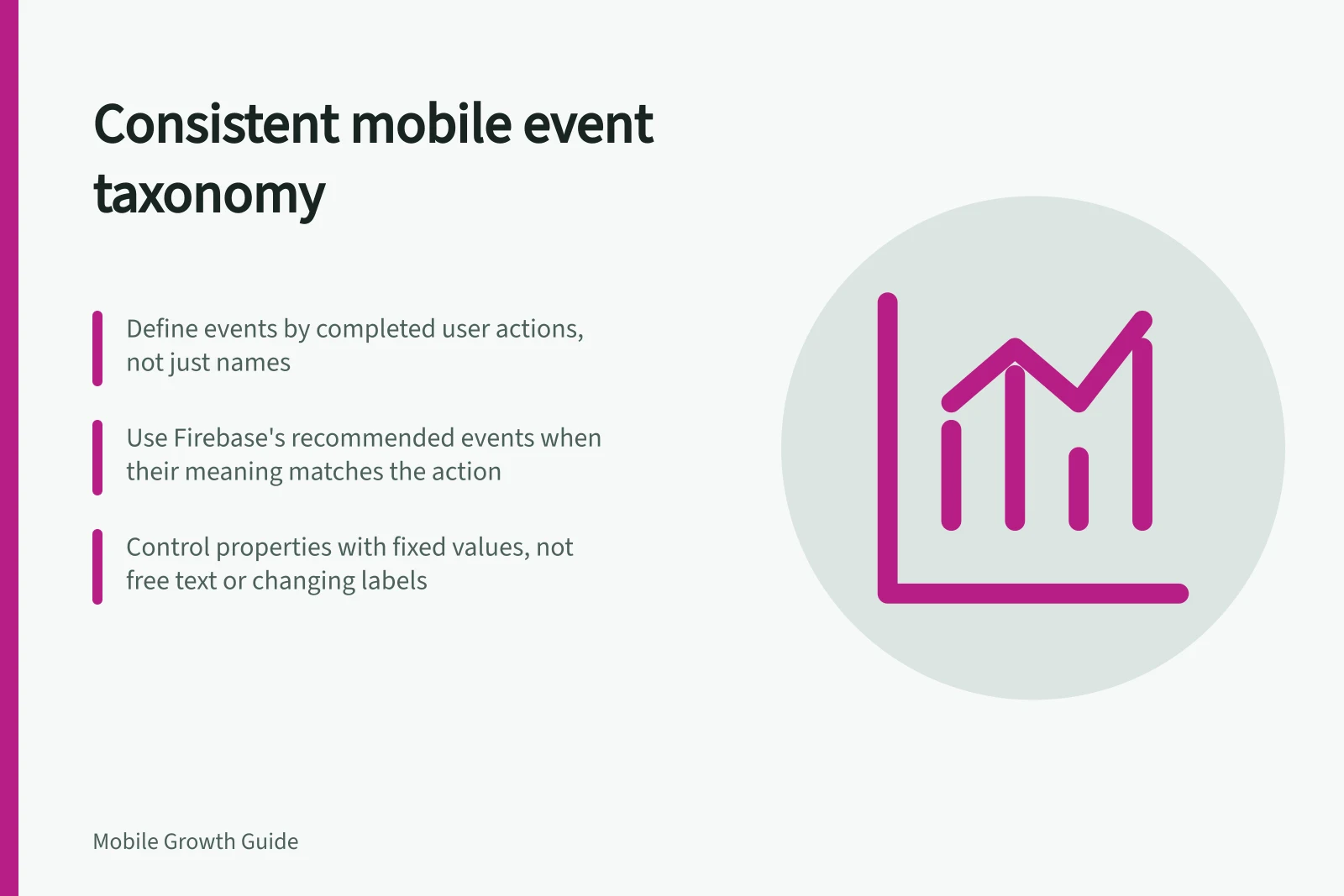
A mobile event taxonomy is a shared contract: what an event means, when it fires, and which details it may contain. Begin with completed user actions, then give each event one stable meaning across platforms and releases. A list of names alone is not enough.
Name states before naming events
Describe what happened in plain language. In a hypothetical booking app, viewing availability, starting a booking and receiving a confirmed booking are different states. Keep their events distinct even if one screen combines the steps.
Field / Decision to record
- Event name
- A stable name for the occurrence
- Trigger
- The exact attempted or successful state
- Owner
- The app or service responsible for logging it
- Required properties
- The limited context needed to interpret it
- Repeats
- Whether another occurrence is new work or a duplicate
- Exclusions
- Paths that must not fire it
For example, booking_confirmed might fire only after the booking service acknowledges a new confirmation. If that distinction is useful, a tap on “Confirm” belongs to an attempt event. When both app and service can report success, choose one source or define a deduplication rule.
Reuse platform events where their meaning fits
Review automatically collected and recommended events before creating another name. Google Analytics for Firebase collects some events automatically. Its SDK defines recommended events common to different app types and documents prescribed parameters. Use a recommended event and its prescribed parameters when its definition matches the action.
Adopt a naming convention, such as lower-case words separated by underscores, and keep a short definition beside every name. Firebase Analytics treats names that differ only by case as separate events. Check the product's current rules before implementation.
Recommended vs Custom Events in Firebase Analytics
- Recommended EventsAutomatically collected by Firebase SDK; defined with prescribed parameters; suitable for common app actions like 'purchase' or 'sign_up'.
- Custom EventsCreated when a recommended event does not match the action; require consistent naming, ownership and definition to maintain taxonomy integrity.
Define properties as controlled context
A property should answer a reporting question the event name cannot. For a hypothetical confirmation event, a broad booking_channel value such as in_app or assisted might distinguish valid routes. Define allowed values, type, when the value can be absent, and how new values are introduced. Keep names, contact details, free-text notes and full addresses out of analytics properties.
Prefer controlled values over a screen label that changes with copy or language. Specify whether “unknown” means the app could not determine a value, the field was optional or an older build did not send it. Those cases should not be silently combined in analysis.
For Firebase Analytics reports that need a custom parameter, register it as a custom dimension or metric. Registration cannot repair an event that was sent with the wrong meaning.
Pros and Cons of Using Controlled Properties
- ProsEnsures consistent reporting; prevents ambiguity from free-text or changing labels; supports reliable analysis across releases and regions.
- ConsRequires upfront governance; limits flexibility for ad-hoc data collection; risk of overspecification if not managed carefully.
Govern changes to the contract
Give each event an owner and a release review point. A new route can use the existing event if it reaches the same state. A changed definition needs a recorded effective version or a new event so readers can identify the reporting break. Review iOS, Android and supported older builds before removing a property.
Keep the taxonomy usable: event definition, property dictionary, owner, effective version and examples of valid and invalid triggers. Verifying whether released builds follow that contract is a separate task.
Event Taxonomy Governance Checklist
- Assign an event ownerEnsure accountability for definitions and changes.
- Document effective versionTrack changes to event meaning so reports remain interpretable over time.
- Review across platformsConfirm iOS, Android and older builds comply before removing or altering properties.
- Register custom parametersUse Firebase’s custom dimensions or metrics for non-standard data.