App Analytics
Part of App analytics implementation
Keeping sensitive information out of app analytics
Audit app analytics fields and SDK collection, minimise personal details and check events before sensitive data reaches reports.
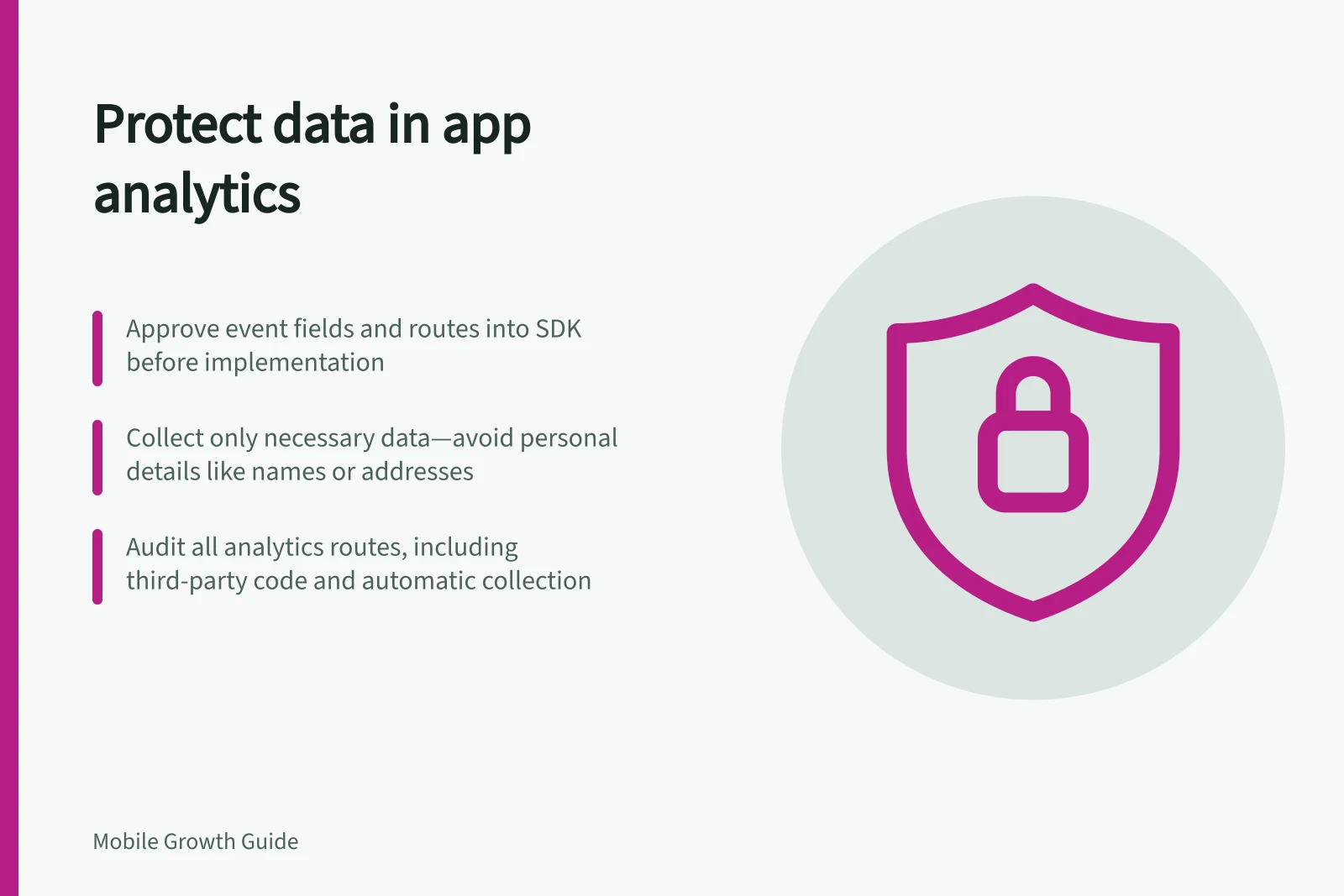
Approve an event's fields before implementation, and check every route into the SDK. Review event properties, user IDs, screen labels and automatically collected data. A privacy notice cannot remove information already sent by a faulty event.
Separate task measurement from customer records
Most analytics questions need a state or broad category, not the underlying personal detail. A hypothetical appointment-confirmation event can show success without carrying a customer's name, phone number, health note or full address. If a location category is needed, check whether it is broad enough for the audience and whether combining it with other fields could identify someone.
For organisations covered by Australia's Privacy Act, the Australian Privacy Principles set conditions on collecting personal information. Current OAIC guidance says an APP organisation's collection must be reasonably necessary for its functions or activities.
Collecting sensitive information generally requires consent as well, unless an exception applies. Coverage and the treatment of a proposed field need a review of the particular organisation and data flow. As a design rule, collect less in analytics than the product may need to perform the task.
Privacy compliance essentials for Australian app developers
- APP requirement
- Collection must be reasonably necessary for functions or activities
- Sensitive data handling
- Consent usually required unless exception applies
- Design rule
- Collect less in analytics than product needs
Audit routes into analytics
Map each source screen or service, field, event, SDK or endpoint, recipient, purpose and retention decision. Include third-party code. As part of the audit, consider the information lifecycle and scrutinise analytics SDKs.
| Route | Risk to check | Design question |
|---|---|---|
| Event properties | Free text or an exact address is copied into an event | Can a controlled, broader category answer the question? |
| User identifiers | An email or phone number becomes an analytics ID | Can the measure work without a direct identifier? |
| Screen and route labels | A customer value appears in a label or URL | Can a fixed label or category replace it? |
| Automatic collection | The SDK collects more than expected | What does the current configuration actually collect? |
Google publishes best-practice guidance on avoiding sending personally identifiable information to Analytics. Review the provider's current policy before sending any field that could identify someone.
Do not assume hashing a direct identifier makes it acceptable: check the provider's policy and whether the person remains identifiable. Check the provider's current documentation for any setting you intend to rely on, and check app events before transmission.
Risk assessment: Data collection routes into analytics
- Event properties
- Free text or exact address may be sent; use broader categories instead
- User identifiers
- Email or phone number as ID risks exposure; avoid direct linkage
- Screen and route labels
- Customer values in labels can leak data; use fixed categories
- Automatic collection
- SDK may collect more than expected; verify current configuration
Prevent unwanted fields
Use an allowlist of event names, property keys, types and permitted values. Reject unexpected free text before the analytics call.
Keep customer records in the system that needs them, with access suited to their purpose. Review combinations of fields as well as individual values; several broad properties together may identify a small group.
Review SDK collection controls alongside the app's notice and consent design. Firebase documents Android controls to disable Analytics collection temporarily, including while awaiting end-user consent. That is an implementation option, not a determination that a particular Australian app requires consent. Check the settings on each supported platform and version.
Check changes and respond to mistakes
Exercise successful, failed and unusual paths with synthetic information, including user-entered text and deep-link parameters. Inspect what the SDK logs and what reaches the reporting destination. Keep real customer information out of this exercise.
If a sensitive value is discovered, stop the sending path, identify the affected event and period, and follow the organisation's incident and deletion process. Review downstream destinations as well as the primary analytics property. Update the field contract so a later release does not reintroduce the value.