App Analytics
Part of App analytics implementation
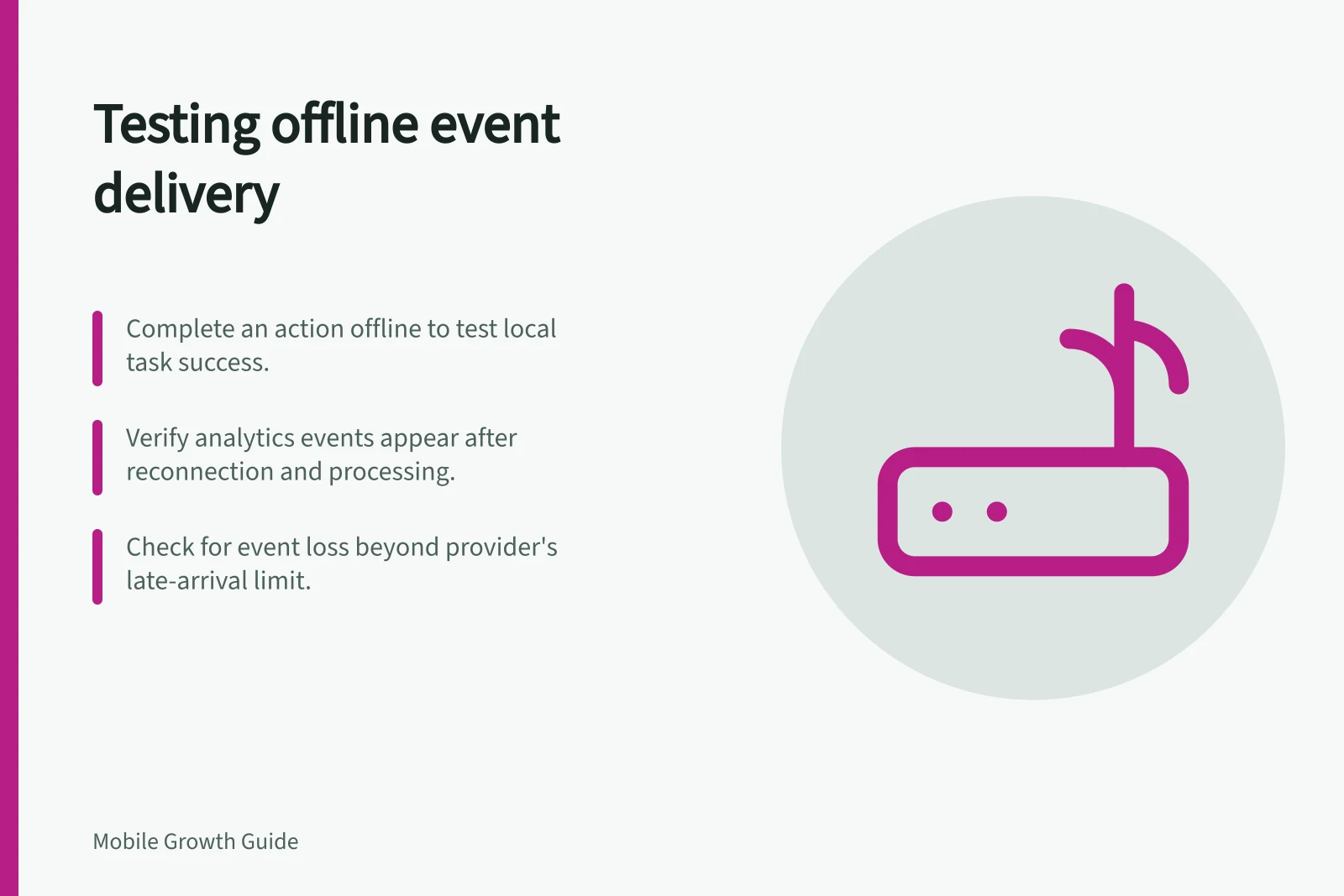
Testing offline event delivery
Plan offline app event checks from task completion through reconnection and reporting, with clear treatment of late or duplicate events.
Test offline delivery by completing a known action without a connection. Restore connectivity, then compare the product's task record with what analytics eventually receives. An event logged by the app, visible in a development tool, and present in a processed report are three different observations.
Define the expected result
Choose an action with an unambiguous successful state, such as a draft saved locally in a hypothetical app. Record whether the product can complete it offline, whether it queues server work, and when the action should count as successful. Do not log “confirmed” if confirmation depends on a server that has not replied.
Specify the analytics event, expected properties, and intended logging time. Use a synthetic account or safe test data. Keep app build, operating system, local time, connection state, and task outcome in a separate test log rather than placing private identifiers in analytics properties.
Offline buffering and late-arrival handling vary by analytics SDK and configuration. Check the applicable provider documentation and test whether events recorded without connectivity are later received. Do not assume every queued event will be delivered.
Run an offline scenario matrix
| Scenario | What to observe |
|---|---|
| Action completes offline, followed by reconnection | Is the product result retained, and does the expected analytics event later appear? |
| Action is attempted offline but cannot complete | Is the success event absent and any attempt event accurately labelled? |
| App closes or restarts before reconnection | What survives in the product and analytics paths? |
| Reconnection occurs near or beyond the provider's late-arrival limit | Is the event reported, delayed or absent under that provider's rules? |
Run relevant paths on supported iOS and Android builds. Include retries where the action can be repeated. Count the completed task under its product rule, then inspect whether analytics records one occurrence or more. If both app and server log the outcome, define how duplicates are prevented or recognised.
Check each stage
First verify the task's authoritative state. Then inspect what the development device logged. Firebase DebugView displays development-device events near real time, but an offline event may not be visible there until the device can send it.
Finally, check the intended Analytics report after processing. A blank report immediately after reconnection is not enough to establish failed delivery.
Record expected and observed results separately. Note event time, time zone, reconnection time, and report date. Firebase says events are generally batched for about an hour, while debug mode on development devices uploads events with minimal delay for validation.
Classify a mismatch
Before changing instrumentation, identify the failure point. Check whether the task failed or the app did not log the event. Then check whether the event was logged but not observed after reconnection, arrived too late under the provider's rules, or the report has not processed it yet. Investigate duplicates separately from missing events, then retest the relevant path after a fix.
Keep the product's own completion record authoritative for important operations. Analytics can explain use, but it should not replace a reliable booking, save, or payment record.