App Analytics
Part of Mobile app acquisition measurement
Comparing acquisition cohorts by later app use
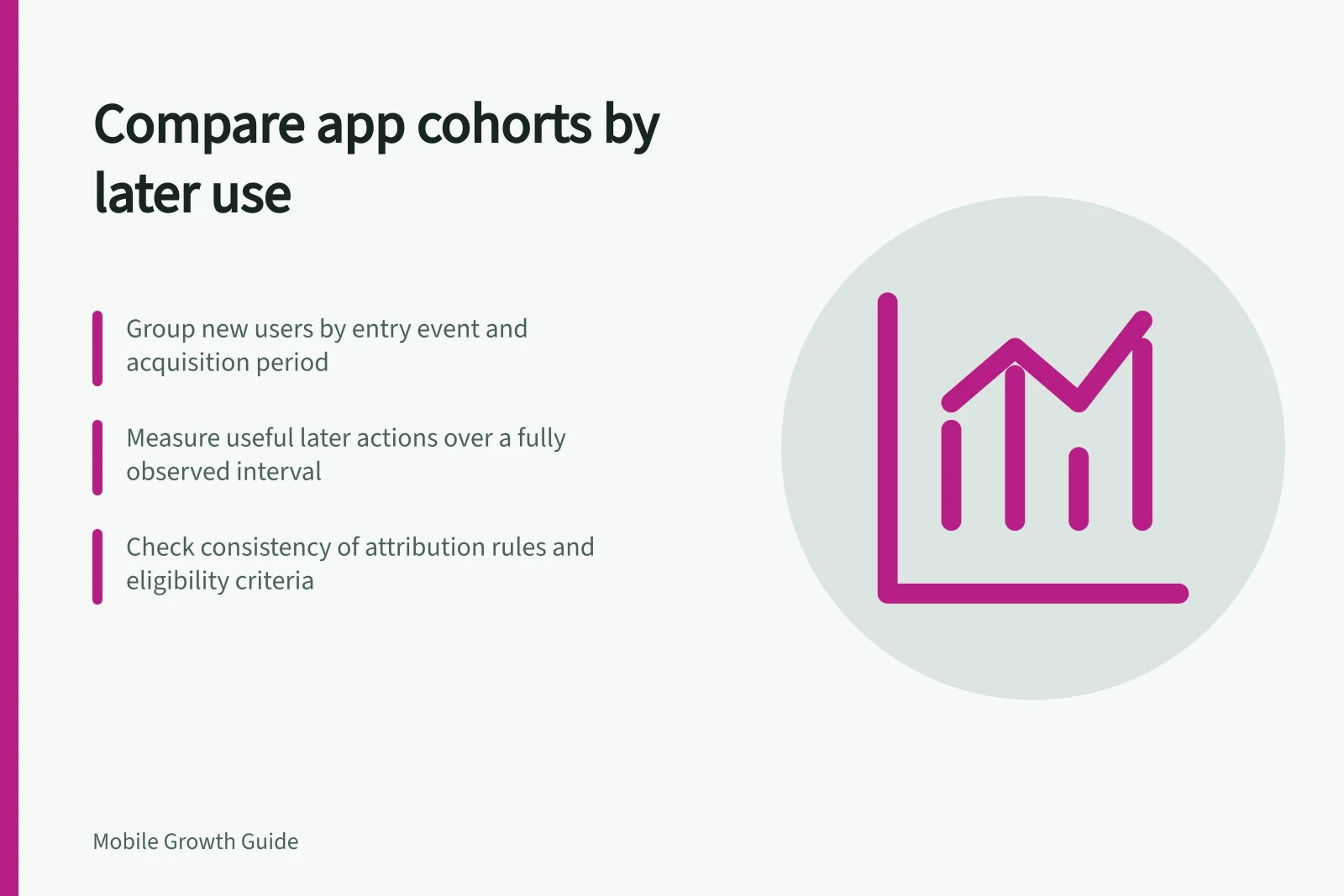
Build comparable acquisition cohorts, choose a useful later action, allow windows to close and read platform retention reports within their limits.
Group eligible new users by the same starting event and acquisition period. Measure the same useful later action over a comparable, fully observed interval. A recently acquired cohort has had fewer chances to act than an older one. Later app opens can add context, but they need not represent the task the app helps people complete.
Specify each cohort
Choose one entry event, such as the first recorded app open, and apply it consistently. Record the source rule assigned at entry: a first-user channel, a campaign attribution label or a store source. These labels answer different questions. Keep the attribution rule consistent when comparing later activity.
Include only people who could perform the later task. If a feature serves particular Australian locations, a national download count includes people who may be ineligible. Keep platform and app version visible where experiences differ. State whether reinstalls and existing customers belong in the cohort.
Cohort field / Rule to record
- Entry
- Starting event and acquisition dates
- Source
- Report and source definition fixed at entry
- Eligibility
- Who could perform the later task
- Later action
- A completed, useful state
- Window
- When the action can count and whether observation is complete
- Denominator
- Distinct eligible cohort members under a stated identity rule
Choose later use that fits the task
For a hypothetical travel-planning app, opening a saved itinerary during a trip may be more informative than any app session the next day. A more frequent task may need a shorter interval. Neither is a universal retention target.
Count each eligible cohort member once if they complete the defined action within its later window. Divide that count by eligible cohort members, and show both counts beside the rate. State whether activity on another device can be linked under the available identity rules.
Check the cohort report’s definitions for inclusion, return activity and period boundaries before comparing its cells. These are calendar-based report cells, not automatically identical elapsed-time windows for every person. If the decision needs an exact interval from each person’s entry, define a separate analysis with that rule.
Key Metrics for Cohort Analysis in Australian Apps
- Count of Eligible Users
- Total distinct users who meet eligibility criteria
- Later Action Completion Rate
- Percentage of eligible users completing the defined action
- Identity Rule Applied
- User identity tracking method (e.g., Apple ID, Google Play account)
Allow the window to close
Mark a recent cohort as pending until its full later-use window can be observed, or compare cohorts at a genuinely equivalent elapsed point. Check whether the outcome event was recorded consistently across app versions. A changed event can resemble changed behaviour.
Apple’s App Store Connect retention view measures later app opening among covered devices. Installers who never open are excluded from its denominator. It should not be described as later useful action among every downloader.
Interpret the difference
If a source cohort shows higher later useful use, check its audience, entry promise, eligibility and product version. The difference does not prove that the source caused the behaviour. Small cohorts can change markedly when only a few people act, so show counts and avoid a confident ranking from thin data.