App Analytics
Part of Mobile app acquisition measurement
Installs versus activated users
See how store entry, first opens and activation differ, and when the data supports a first-open or download-to-activation rate.
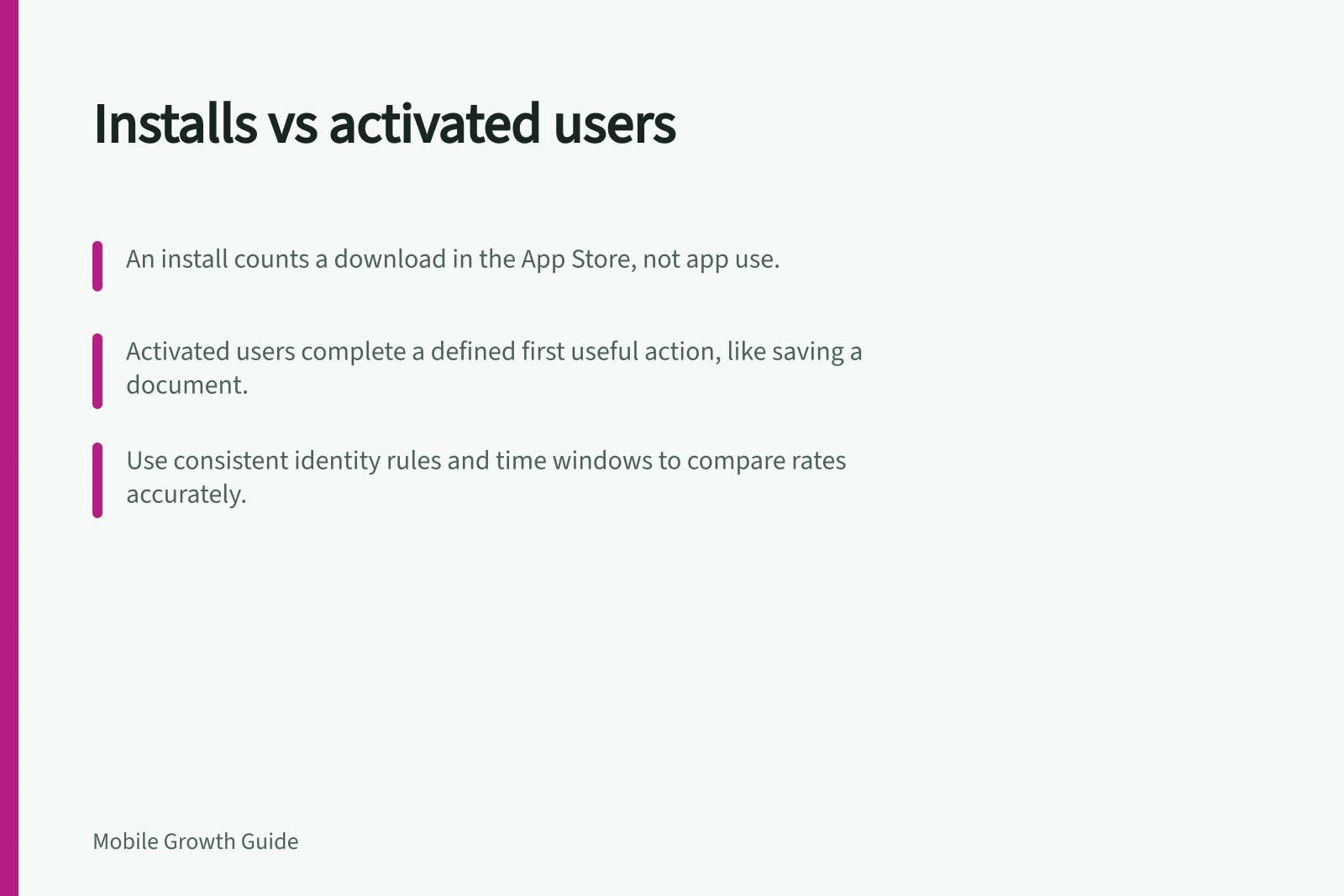
An install or download count records entry under a particular store metric. An activated user has completed a defined first useful action. Compare them only after naming the store metric, action and eligible population. A download does not show that someone opened the app; a first open does not show that they reached value.
Installs vs Activated Users: Key Differences and Measurement Criteria
- Install (Download)Recorded when an app is downloaded from a store. Does not confirm app usage or user engagement.
- First OpenOccurs when a user opens the app for the first time after installation. Requires SDK tracking and identity consistency.
- Activated UserA user who completes a defined first valuable action (e.g., saving a document). Must be clearly defined and tracked via event logging.
Define activation for the comparison
Use a completed state. For a hypothetical document app, “first document saved successfully and available to reopen” is clearer than “Save tapped”. Specify who could perform the action, how long they had, and whether it counts once per person, account, device or installation. This is a proposed definition, not a standard analytics event.
Decide how reinstalls and existing customers fit. A repeat download can be new to a store reporting period without representing a new customer. One person may also use more than one device.
Put each measure in its own column
| Measure | What to check |
|---|---|
| Store downloads or acquisitions | The selected metric’s definition, first-time or repeat status, and whether it counts users, devices or download events |
| App first opens | SDK coverage, reinstall behaviour and the identity used for counting |
| Activated users | Eligibility, event accuracy, identity and elapsed-time window |
Apple distinguishes total, first-time and repeat downloads from app usage.
Key Metrics in App Acquisition and Engagement
- Store DownloadsTotal, first-time, or repeat downloads; counts events, devices, or users depending on metric definition.
- First OpensSDK-tracked app launches by eligible users within a defined window; subject to reinstalls and identity rules.
- Activated UsersDistinct users completing a predefined valuable action; must be measured with clear eligibility and timing.
Calculate a rate only when the records support it
A first-open-to-activation rate is the number of distinct eligible first-open cohort members who complete the action within its window divided by the distinct eligible first-open cohort members. Count the same identity on both sides and wait until the full window has elapsed.
A download-to-activation rate requires compatible download and activation records for the same cohort, with a defensible way to link them.
Do not divide all App Store downloads by an App Store Connect usage count and call it a conversion rate: Apple collects usage data only from people who agreed to share it, and the metrics describe different events. If linkage or coverage is missing, show the counts separately and mark the rate unavailable.
Keep counts beside percentages. A rate may rise while the number activating falls because the eligible entry group shrank. Neither a rising nor falling rate explains its cause without checking source mix, eligibility, app version and event quality.
How to Validly Compare Installs and Activation Rates
- Define activation clearlySpecify the action (e.g., 'first document saved'), eligibility (e.g., new users only), and identity method (e.g., device ID or user account).
- Ensure consistent identity across metricsUse the same identifier (e.g., Apple’s IDFA or Google’s Advertising ID) for downloads, first opens, and activation events.
- Confirm data coverage and linkageVerify that both download and activation records are available for the same cohort and period. Avoid rates if linkage is missing.
- Report all context detailsInclude store (App Store or Google Play), market (Australia), cohort date, first-time/repeat status, and definition of action.
Pros and Cons of Using Download-to-Activation Rate
- ProsHelps assess how effectively installs convert into meaningful user behaviour; useful for optimising marketing spend and onboarding flows.
- ConsOnly valid if there is strong data linkage between downloads and activations. Apple’s usage data is opt-in only, limiting comparability.
Investigate the gap
If downloads increase but first opens do not, check whether the reports cover the same population and period before examining the path to first launch. If first opens increase but activations do not, inspect eligibility, the acquisition promise, the task path and the completion event.
Report the store, market, cohort date, first-time or repeat status, action definition, identity rule, denominator and completed observation window.
Checklist for Valid Installation-to-Activation Analysis
- Confirm same population and time period across reportsEnsure App Store and analytics platform data cover identical cohorts and dates.
- Define activation with precisionUse a completed state (e.g., 'saved document') rather than an intermediate step (e.g., 'tapped save').
- Check for reinstalls and multi-device useDetermine whether repeated downloads count as new users or are treated as re-engagements.
- Validate identity matchingEnsure the same user/device identifier is used across all metrics to avoid misattribution.
- Report all context detailsInclude store, market (Australia), cohort date, action definition, and observation window.