App Analytics
Part of Mobile acquisition campaigns
Measuring acquisition cost per activated user
Cost per activated user is campaign spend divided by the number of acquired users who complete a defined first-value action within a chosen window.
Cost per activated user is acquisition spend divided by the number of acquired users who complete a defined first-value action within a chosen window. It gives a clearer acquisition signal than cost per install when downloads do not lead to useful use, but it does not measure long-term profit.
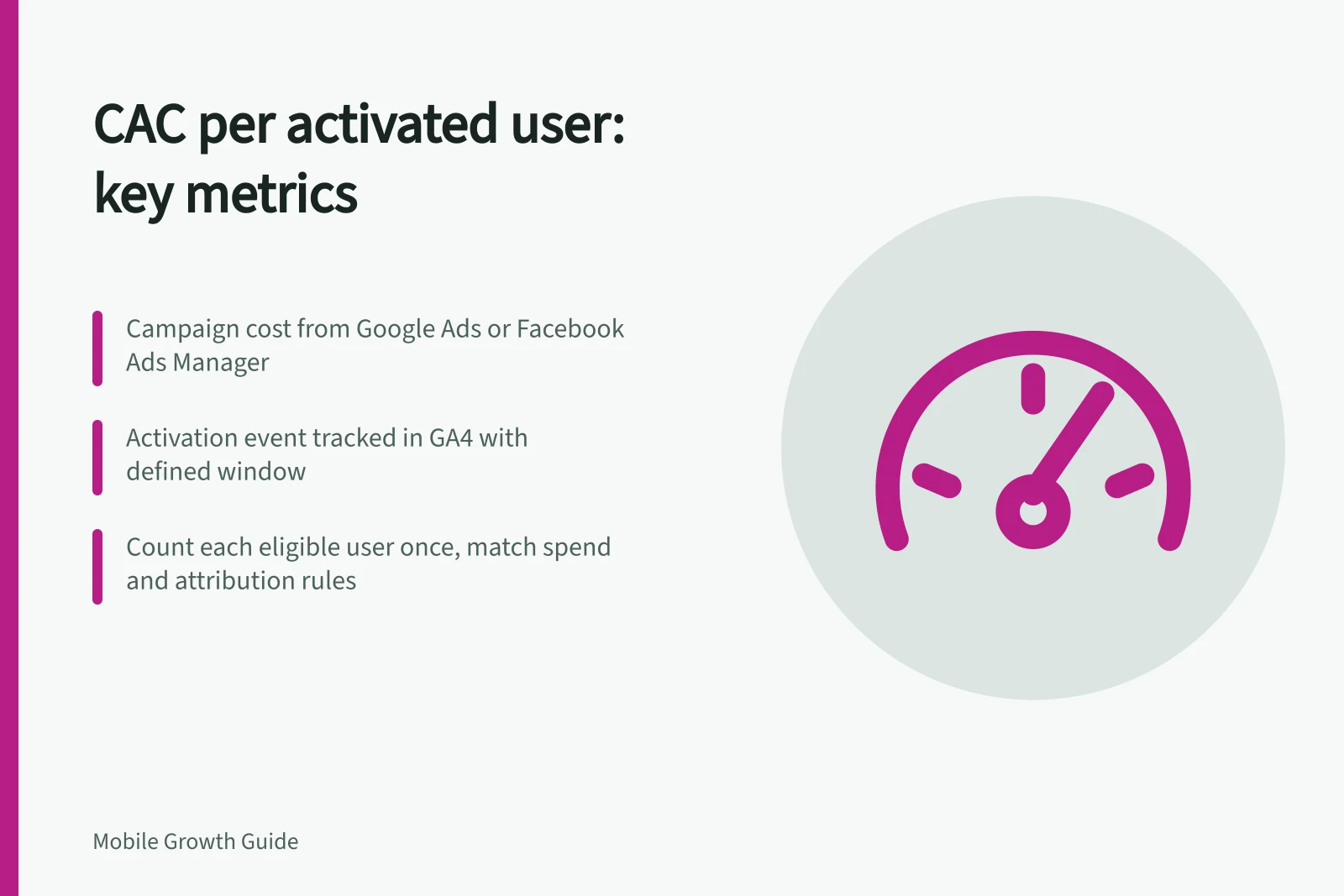
Use campaign cost recorded in Google Ads or Facebook Ads Manager as the spend input. Google Ads supports cost-per-acquisition tracking, and Facebook Ads Manager has built-in CAC reporting; use the campaign cost itself for this calculation.
The activation count comes from the activation event recorded in Google Analytics 4 (GA4). GA4 supports recommended and custom events, but additional events need manual setup; its event documentation lists Firebase as one setup route for apps.
Define the core action, eligible new-user cohort, attribution rules and activation window before counting. Count each eligible user once, handle repeat installations consistently, and match the campaign spend to the same cohort and attribution rules.
Divide the matched spend by the number of users who activated. For example, A$1,000 ÷ 100 activated users = A$10 per activated user; these illustrative figures show the arithmetic, not a benchmark.
Keep paid and blended results separate when organic acquisition contributes: divide paid spend by paid attributed activations, and overall acquisition spend by all matching activations for the blended figure. Use consistent definitions across channels and reconcile channel spend with finance records and user counts with product records.
Review the result by cohort and channel after the activation window has elapsed. Pair it with retention or later value, and treat low-volume cohorts cautiously; look for a repeatable pattern before moving a large budget.
Steps to Calculate CAC per Activated User
- Define the activation event in GA4Set up a custom or recommended event such as 'first_login' or 'completed_onboarding'. Use Firebase integration if needed.
- Identify eligible users and cohortInclude only new users who installed the app during the campaign window and meet activation criteria.
- Match campaign spend to user cohortUse Google Ads or Facebook Ads Manager cost data, ensuring attribution rules align with product records.
- Count activated users within the windowCount each eligible user once; handle repeat installations consistently using device or user ID tracking.
Paid vs Blended CAC: Key Differences
- Paid CAC
- Paid spend ÷ Paid attributed activations
- Blended CAC
- Total acquisition spend ÷ All matching activations