App Store Listings
Part of Mobile acquisition campaigns
Choosing app advertising channels by target user behaviour
Choose an app advertising channel from the user's discovery behaviour, not its reputation for cheap installs.
Start with what people do when a need for the app arises: search for a solution, browse social platforms, browse or buy related products, or respond to a recommendation. You can also segment by location, interests, device use and brand loyalty. There is no single best way to segment an audience.
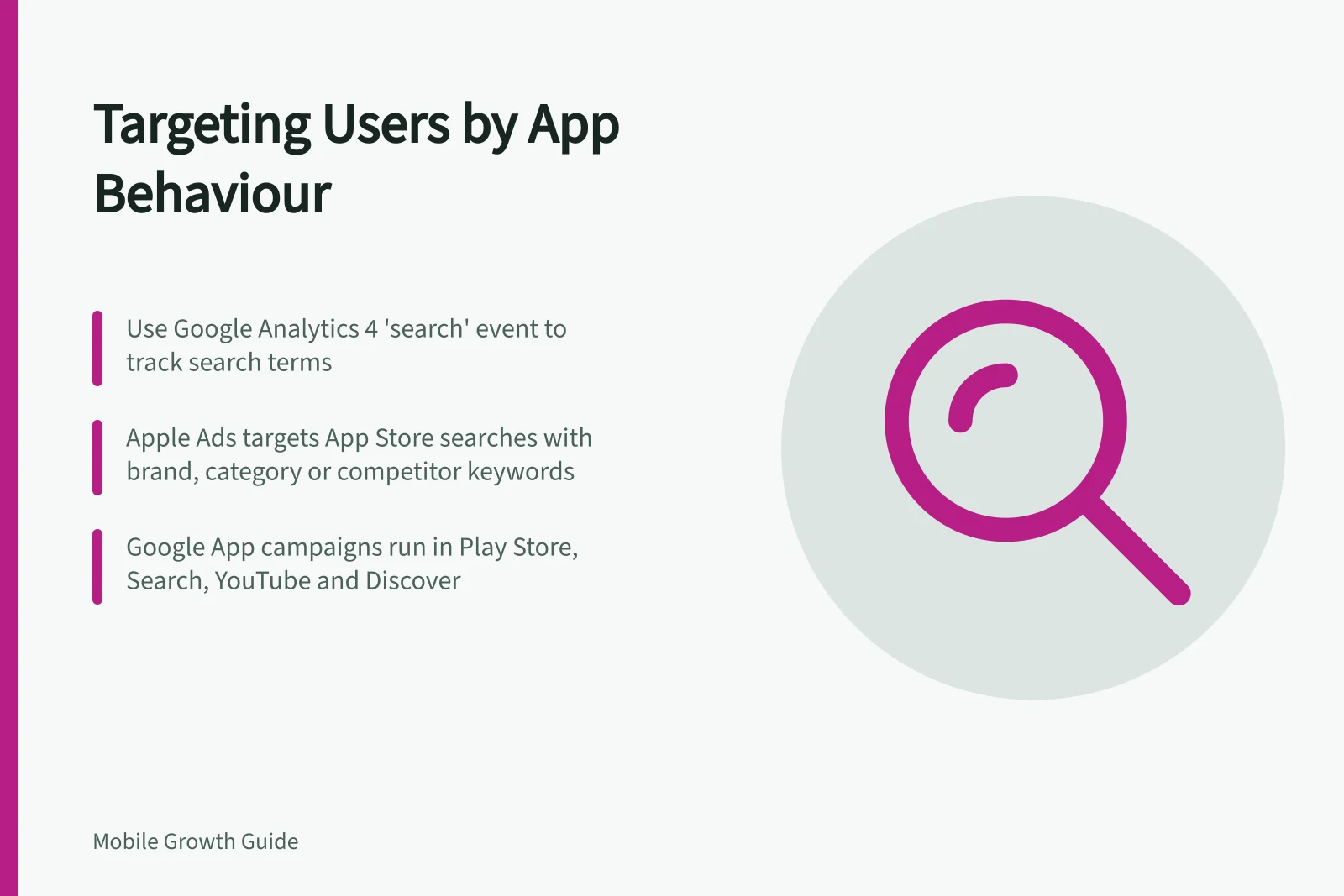
Use observed actions to distinguish these groups. A configured Google Analytics 4 search event can capture the search_term, but optional events need manual setup. Browsing and purchase histories indicate product interests, while brand loyalty and active or passive participation in a community can help describe other behaviours.
For people searching the App Store, consider Apple Ads, formerly Apple Search Ads. Its search-results campaigns can focus on brand, category, competitor or discovery keywords; discovery campaigns use broad match and Search Match to find relevant search terms.
Google Search Ads can reach people actively seeking an app on Google. Google App campaigns also place ads in Play Store search results, Google Search, YouTube and Discover, making them another option when those placements match the segment.
For social browsing, test TikTok or Instagram Ads. Gen Z may be easier to reach there than on Facebook because they spend significantly more time on TikTok or Instagram. If the app’s benefit is easier to demonstrate than explain, Snapchat Ads offer single-image or video ads, filters, augmented reality, story commercials and dynamic ads.
For people browsing or buying related products, use browsing and purchase histories to identify relevant interests. Behaviourally targeted campaigns on Facebook, Google, Amazon or TikTok can then deliver personalised ads based on those behaviours.
For people influenced by recommendations, consider promotion through a trusted influencer or affiliate. This may suit niche or high-cost offers where other platforms struggle without a longer digital sales funnel. Key influences and active or passive participation in a community can also help define this audience.
For each candidate, check whether it can reach the defined audience, including by location, interests and device use; then compare potential reach and pricing model against your budget. Apple Ads lets campaigns set budgets and App Store countries or regions, while narrower audience settings can reduce impressions. Test suitable candidates and use campaign performance data to assess them.
Pricing models differ: an “app of the day” featured post may cost a flat $1000 even if nobody clicks or downloads, while social or search ads may charge per click or per download. Use the pricing model and your budget when deciding which candidates to test.
Keep the ad’s promise aligned with its store destination.
Pricing Models Across Key Advertising Channels
- Apple Ads (Search)
- CPC or CPD
- Google Search Ads
- CPC
- TikTok Ads
- CPC or CPD
- Instagram Ads
- CPC or CPD
- App of the Day Feature
- Flat $1000 (regardless of clicks/downloads)