App Onboarding
Part of Mobile acquisition campaigns
Matching an install ad with the real app experience
An install ad should preview what the new user can actually do.
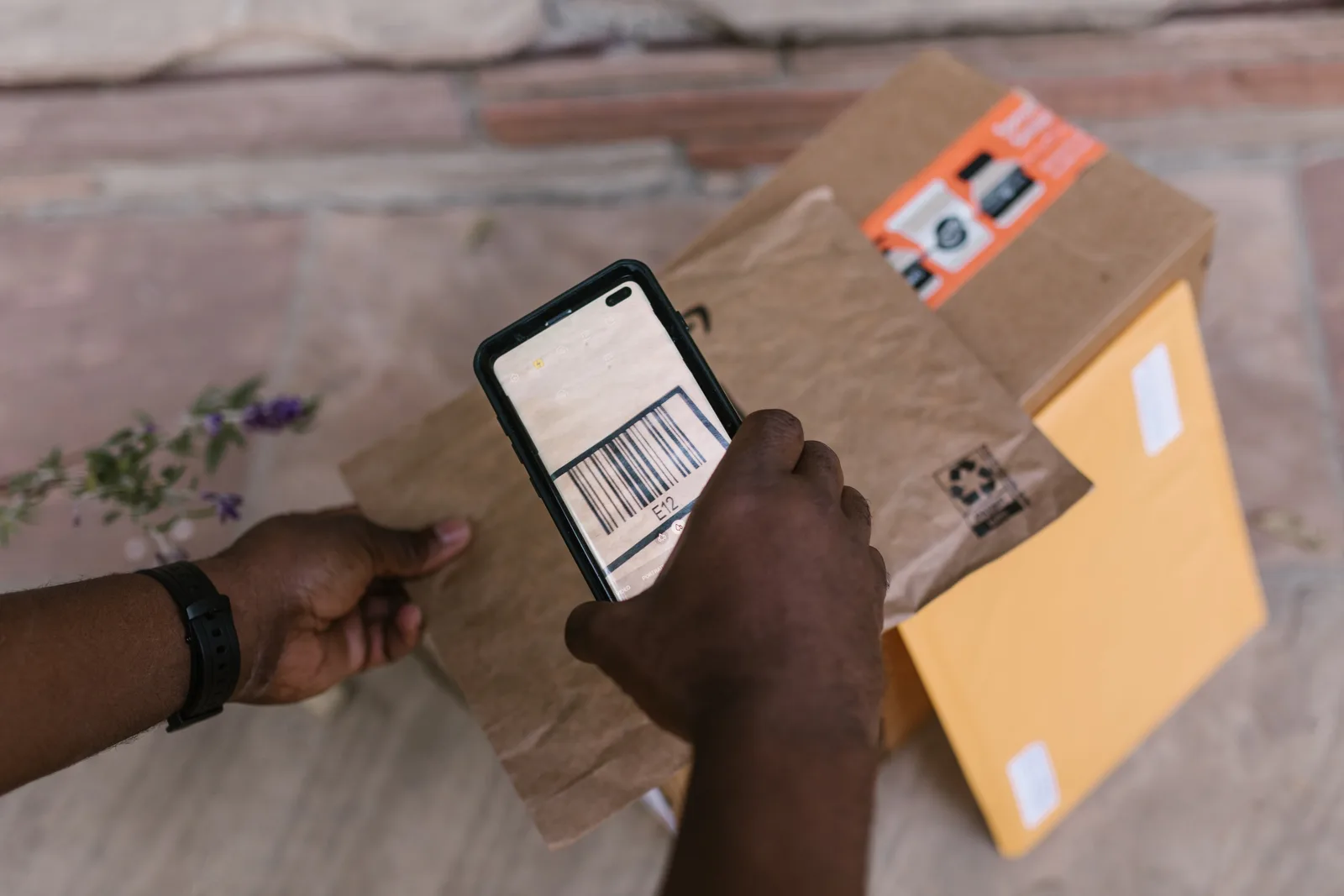
Audit the promise in one sentence: “This ad promises receipt scanning; on first open, the new user can find the scan action or see the setup required.” Compare that claim and the product shown in each Meta, Google App campaigns, TikTok App Promotion or Apple Ads creative with the Google Play or App Store listing and the first useful screen.
Follow the journey on a supported phone from ad tap through listing to first useful screen. Check the app version, account requirements, permission prompts, price presentation and feature eligibility or regional availability. If a feature is gated or several steps beyond onboarding, show or explain what has to happen first rather than making it appear immediately available.
Compare the Google Play or App Store listing with the ad’s product demonstration and wording. Apple Ads’ Today tab creative uses the app name, icon and subtitle, with a custom product page as the tap destination; Apple Ads also lets Today tab and search-results creative use assets from specific custom product pages. Its guidance supports adding deep links to important app content.
Use a deep link to send someone with the app installed to the promoted screen rather than a generic home screen. For someone without the app, a deferred deep link sends them to the App Store or Play Store and honours the original destination after install and first open. Universal Links on iOS and App Links on Android are named deep-linking mechanisms; test both paths from the ad tap.
Check whether the first useful screen fulfils the promise. Mismatches include an ad demonstrating receipt scanning when the action cannot be found, a tap landing on a generic home screen instead of the relevant page, or a region-specific or gated feature appearing immediately available when setup or eligibility intervenes. Correct the fault by changing the ad claim or footage, aligning the listing, clarifying setup or eligibility, or repairing the deep link.
Keep a short audit record of the ad promise, listing promise, expected first screen, actual first screen and where they diverge. GA4’s optional recommended and custom events require manual setup; the Meta app-install guide names AppsFlyer, Adjust and Singular as MMP options. Use first open and a clearly defined activation action as pointers to the step that needs checking.
Ad Promise vs. Real App Experience: Key Mismatches to Audit
- Ad ClaimReceipt scanning feature demonstrated in video creative
- App Store/Play Store ListingFeature mentioned but requires account setup and verification first
- First Useful Screen After InstallGeneric home screen with no direct access to scan function
- Expected User JourneyTap ad → App Store → Install → Deep link to scan screen
- Actual User JourneyTap ad → App Store → Install → Home screen (no deep link)