App Store Listings
Part of Deep links and app destinations
Testing deep links when the app is not installed
The uninstalled-app route is where a campaign promise often disappears. Test it as a customer journey: tap the actual ad link on a device without the app and check …
Start with a device on which the app is not installed. On iPhone, paste the campaign’s HTTPS link into Notes or iMessage and tap it; on Android, tap the link from a message or another app. If the link appears inside another app, repeat the tap there.
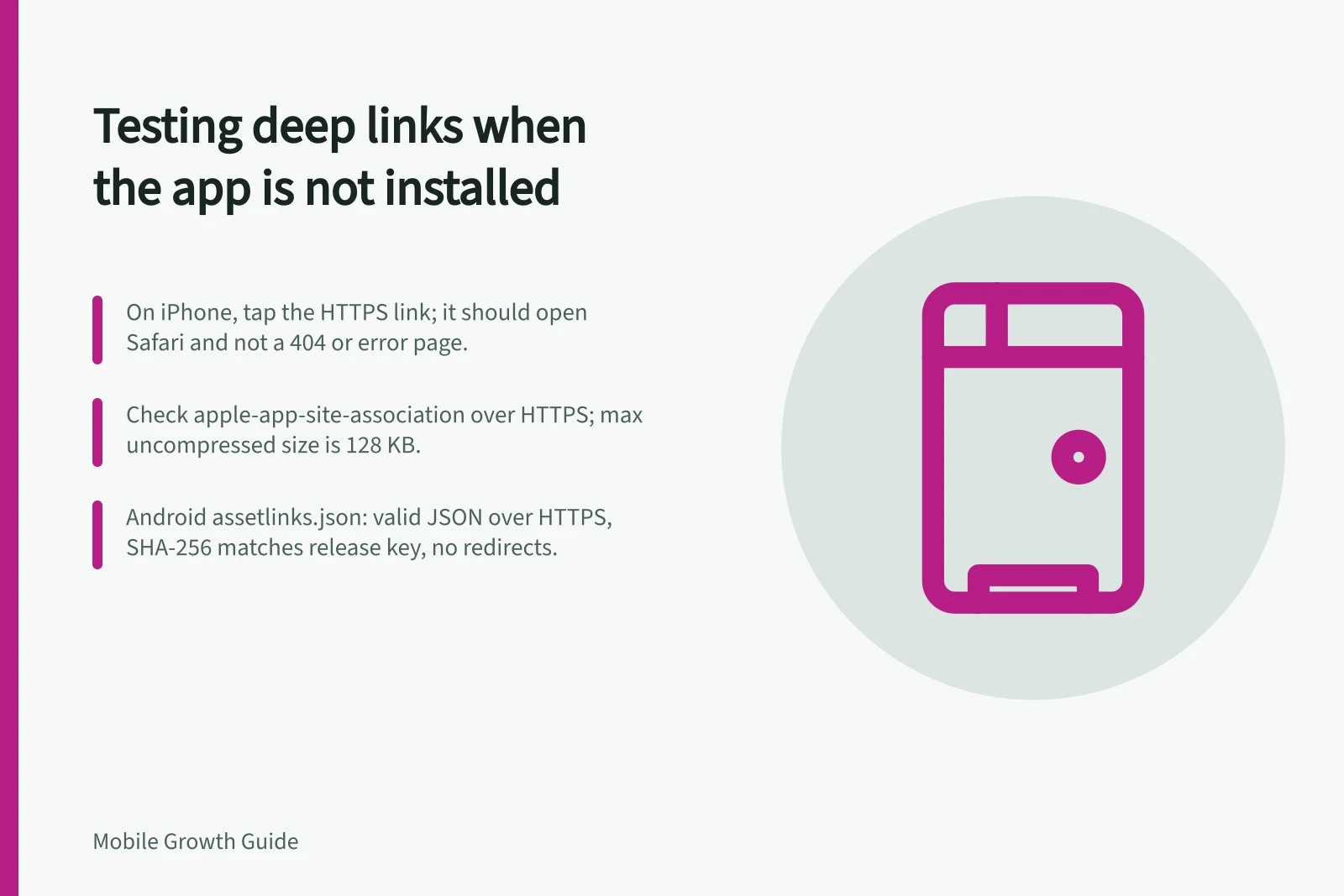
On iPhone, the link should open the website in Safari; on Android, a user without the app should reach the website. Pass when the campaign page loads instead of a 404 or error, and still shows the promised content or offer, eligibility details and a clear installation option. A bare store listing may lose the campaign context.
Check the iOS apple-app-site-association file over HTTPS at the server root or in the .well-known subdirectory. Confirm that its JSON includes the URLs the app can handle, and that the app has the associated-domains entitlement. Each domain with unique content needs its own file; for iOS 9.3.1 and later, its uncompressed size must not exceed 128 KB. The Apple App Search API Validation Tool is another check.
For Android, open https://
Keep a short result log with the campaign URL, device and operating system, where you tapped the link, the final destination and the outcome. Repeat the test on each relevant operating system and in each channel where the campaign link appears.
Firebase Dynamic Links shut down on 25 August 2025; its links stopped working and new links cannot be created. Replace any campaign URL still using it, then repeat the tap test.
A destination after installation needs a separate deferred-link test. A successful web fallback does not verify it.
iOS and Android checks when the app is not installed
- iOS tap behaviourPaste the HTTPS link into Notes or iMessage and tap it; with no app installed, the link should open the website in Safari.
- Android tap behaviourTap the link from a message or another app; a user without the app should reach the website.
- iOS association fileCheck apple-app-site-association over HTTPS at the server root or .well-known; confirm its JSON includes the URLs the app can handle and the app has the associated-domains entitlement.
- Android association fileOpen https://<domain>/.well-known/assetlinks.json and check that it is valid JSON, served over HTTPS with no redirects.
- iOS file size limitEach domain with unique content needs its own file; for iOS 9.3.1 and later, its uncompressed size must not exceed 128 KB.
- iOS validationThe Apple App Search API Validation Tool is another check.
- Android diagnosisAndroid Studio's App Links Assistant and the Play Console Deep Links page can help diagnose association checks; repeat the no-app tap to confirm the web fallback itself.
Key thresholds and deadlines for deep link fallback testing
- AASA maximum uncompressed size (iOS 9.3.1+)
- 128 KB
- Firebase Dynamic Links shutdown
- 25 August 2025
- Android assetlinks.json serving
- HTTPS with no redirects
- Android manifest verification flag
- android:autoVerify="true"