App Analytics
Part of Deep links and app destinations
Tracking broken links between campaigns and app content
A campaign link can register a click while failing to open the intended content. Monitor the destination, not only the ad platform's click count.
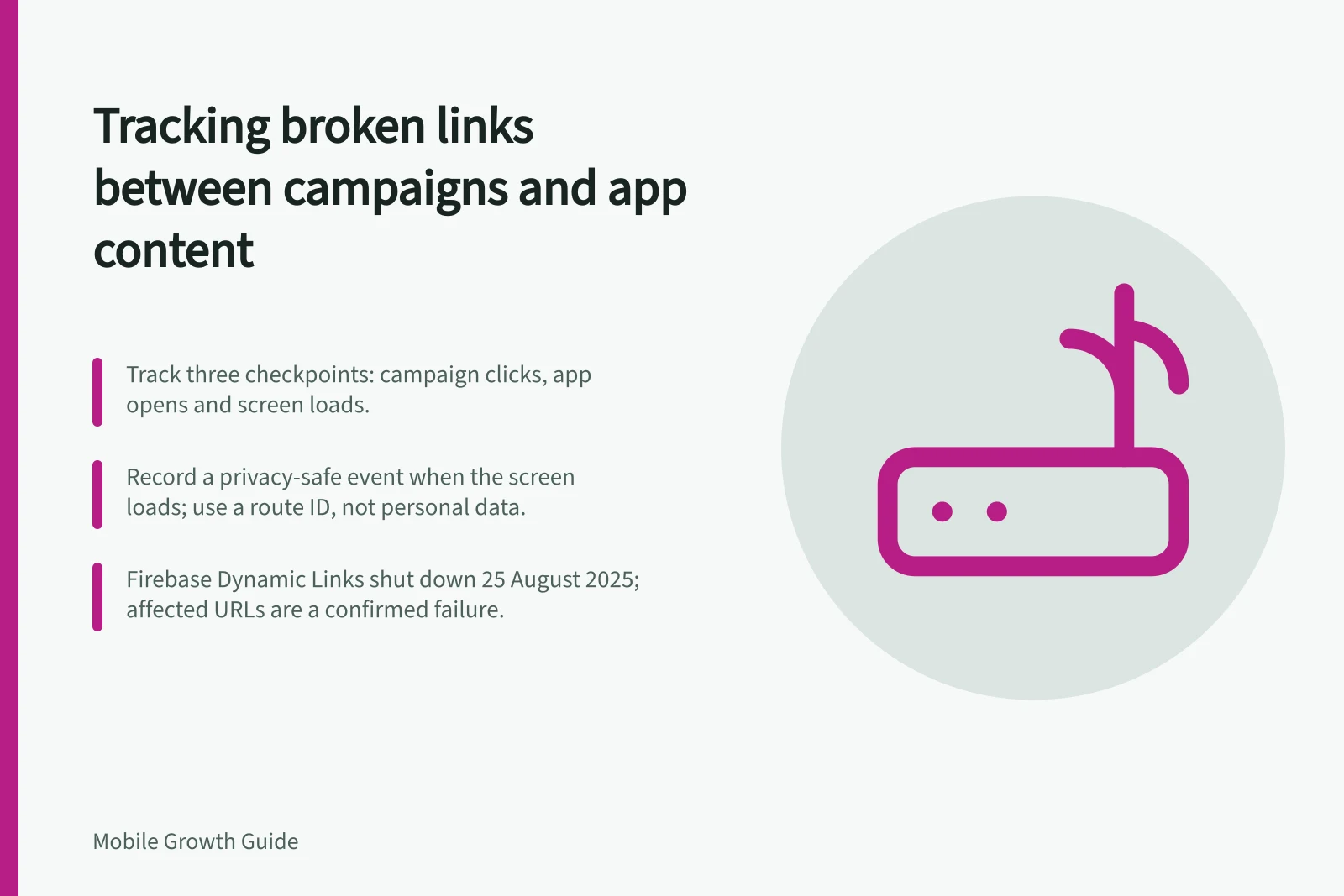
A campaign URL can record a click and still fail to open the intended content. Track three checkpoints: campaign clicks, app opens and successful loads of the intended screen. Assign an owner to each campaign destination and define the expected route, including for users without the app installed.
Record a privacy-safe event when the intended screen loads. Include a content or route identifier, not personal data in the URL. Compare destination loads with clicks and app opens, remembering that systems count at different points and consent can affect observed totals.
When a gap rises, sample the actual campaign URLs and reproduce them on relevant devices. Record whether the link resolves, which app or page opens, whether the destination is lost after sign-in, or whether the content has expired or been removed.
Check the steps between the campaign URL and screen load: website-to-app association, redirects, app versions and sign-in state. If the campaign URL uses Firebase Dynamic Links, treat it as a confirmed failure: the service shut down on 25 August 2025, and all links it served stopped working.
On Android, check that the app manifest’s intent filter includes android:autoVerify="true". Confirm that valid JSON is available over HTTPS at https://
Use the Play Console Deep Links page or Android Studio App Links Assistant to investigate Android App Links. To force a fresh verification, run adb shell pm verify-app-links --re-verify <your-package-name>. On Android 17 or later, adb shell am start --debug-link -a android.intent.action.VIEW -d "<URL>" shows which apps, manifest filters and dynamic rules match the URL.
On iOS, create an apple-app-site-association file containing the URL paths the app handles, then upload it to the HTTPS server’s root or .well-known directory. Add the com.apple.developer.associated-domains entitlement to the app and test Universal Links on a device; domains with different content need separate association files.
Classify each failed sample as unresolved, opening the wrong app or page, losing its destination after sign-in, or reaching expired content. Assign the defect to the team that owns the failing step, then retest the URL after the fix.
Do not diagnose a broken link from an aggregate click-to-open gap alone. First check how each system defines its counts and whether consent affects the recorded events.
Diagnose a broken campaign link end to end
- Sample real campaign URLs and reproduce them on relevant devices
- Record whether the link resolves, which app or page opens, and where the destination is lost
- Check website-to-app association, redirects, app version and sign-in state
- For Android, verify App Links association
- For iOS, verify Universal Links association
- Classify the failure and assign it to the team that owns the failing step
- Retest the campaign URL after the fix
Android App Links verification checklist
- Intent filter includes android:autoVerify="true"
- Valid JSON is available over HTTPS at https://<your-domain>/.well-known/assetlinks.json with no redirects
- SHA-256 signing fingerprint matches the release key
- If you use Play App Signing, check the fingerprint in Play Console
- Use the Play Console Deep Links page or Android Studio App Links Assistant to investigate
- Force a fresh verification with adb shell pm verify-app-links --re-verify <your-package-name>
- On Android 17 or later, use adb shell am start --debug-link -a android.intent.action.VIEW -d "<URL>" to see which apps, manifest filters and dynamic rules match
iOS Universal Links setup checklist
- Create an apple-app-site-association file containing the URL paths the app handles
- Upload it to the HTTPS server's root or .well-known directory
- Add the com.apple.developer.associated-domains entitlement to the app
- Test Universal Links on a device
- Use separate association files for domains with different content
Firebase Dynamic Links shutdown
- Firebase Dynamic Links shutdown date
- 25 August 2025
- Firebase Dynamic Links status
- All links it served stopped working
Classify each failed campaign link sample
- Unresolved
- Opening the wrong app or page
- Losing its destination after sign-in
- Reaching expired content