Push Messaging
Part of Push notification strategy
Choosing a notification worth interrupting the user
Use recipient relevance, urgency, expiry and a useful next action to decide whether an app update deserves a push notification.
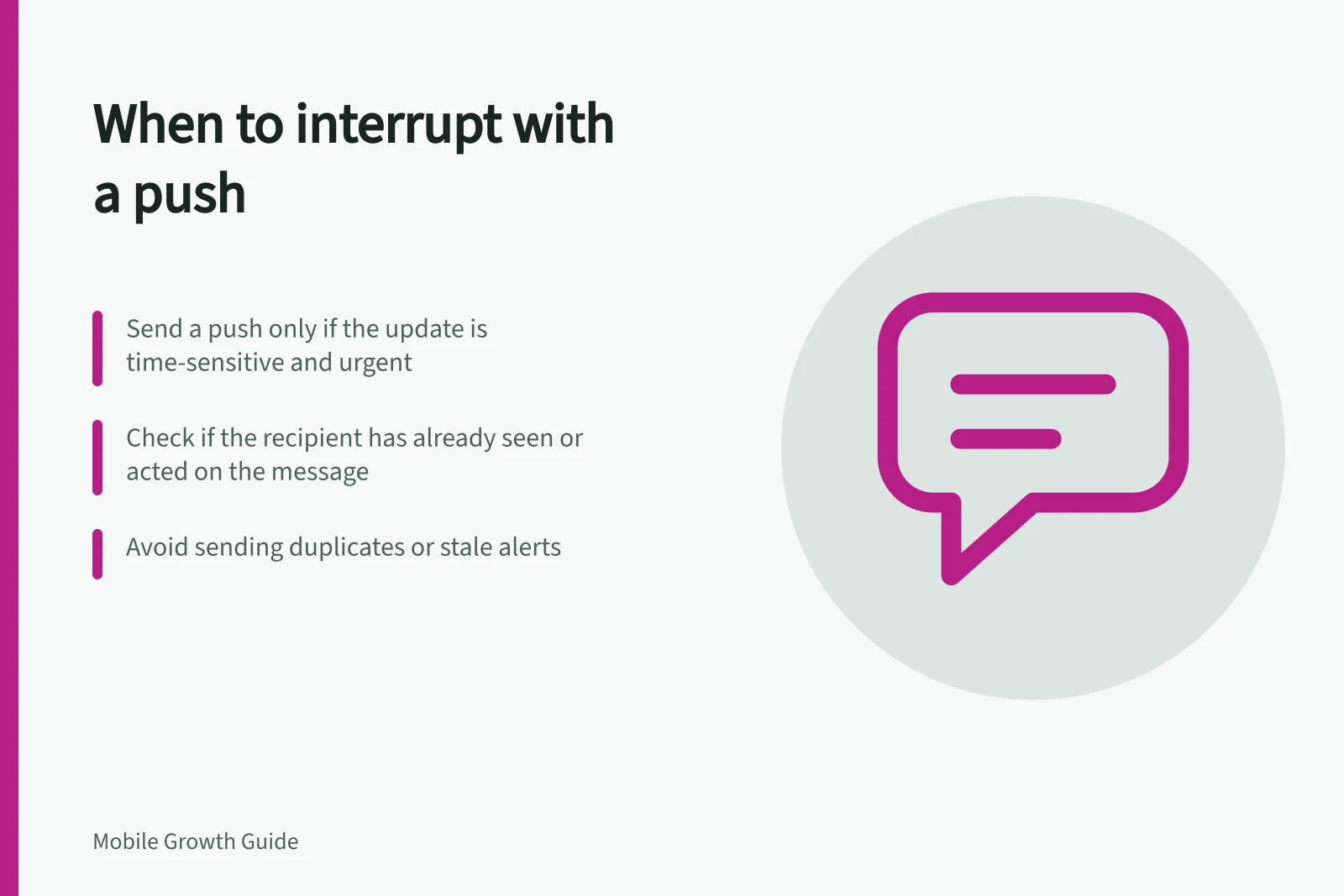
Send a push notification when a specific person needs an update soon enough that waiting for their next app visit would reduce its value. A campaign slot does not create that need. If the update can wait, put it in the app, offer a chosen digest, or omit it.
Apply an interruption test
Before writing the message, answer five questions:
- What changed since the person last had this information?
- Why does it matter to this recipient?
- When will it stop being useful?
- What can the person do after seeing it?
- Have they already completed that action or received the same update?
A weak answer is a reason to hold the push. ‘We have a new feature’ explains what the team wants to announce, not why this person needs an interruption.
‘The booking time you chose has changed’ identifies a relevant event, provided the app verifies the booking and the new time.
Match treatment to the event
| Proposed update | Initial treatment | Reconsider when |
|---|---|---|
| A change affecting an imminent task | Prompt notification | The person has already seen or resolved it |
| A useful but non-urgent account update | In-app view or chosen digest | The person requested immediate alerts |
| A general promotion | No push by default | The person chose that category |
These are illustrative decisions, not platform categories. On Android 8.0 and later, channel importance affects how intrusive a notification is, and people can change channel settings. A quiet presentation still needs a useful message.
Check the content and destination
State the change plainly. Avoid a teaser that forces an open to discover the basic fact.
Keep private account, health or payment details out of text that could appear on a lock screen. If the message invites action, check that the relevant content will still be available when the person taps it.
Suppress duplicates and stale alerts. A reminder for a completed task is not made relevant by a new subject line.
If two systems can trigger the same event, coordinate them so the person receives one update. When a state changes repeatedly, consider showing its latest status instead of every intermediate change.
Key Considerations for Effective Push Notifications
- Plain language required
- Avoid teasers; state changes clearly.
- Lock screen safety
- Do not include private details (e.g., payment info) in visible text.
- Destination reliability
- Ensure content is still available when tapped.
- Duplicate suppression
- Prevent repeated alerts for completed tasks.
Make the decision reviewable
Record the trigger, recipient condition, expiry, intended action and suppression rule for each notification type. Include why the information needs to be seen before the next app visit.
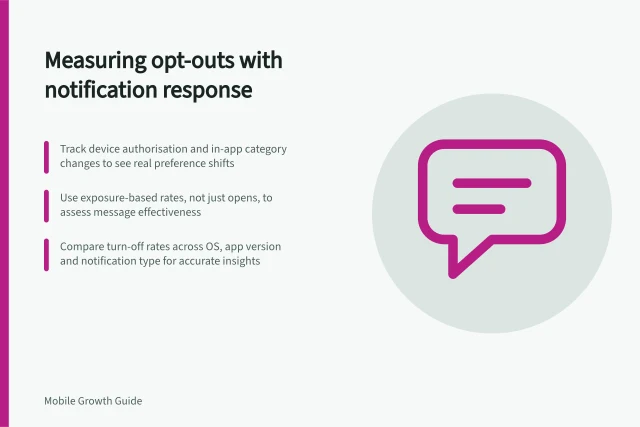
After launch, compare useful action with category turn-offs. If opens rise while useful action stays flat, investigate the wording and destination. If turn-offs rise, inspect eligibility and urgency. Neither pattern establishes a cause on its own.