Push Messaging
Part of Push notification strategy
Setting notification frequency from user relevance
Build frequency rules from event value, expiry, overlap and user choice, then adjust limits using response and turn-offs.
Set notification frequency by how often a person has a useful reason to hear from the app. Then add limits for days when several triggers fire together. There is no universal number of pushes per day. A cap protects attention but does not make the messages inside it worthwhile.
Start with events, not a send target
List each trigger and its value to the recipient. A change to a booking the person holds may need a prompt alert. A content recommendation can usually wait for a digest. Ask whether the update remains useful later, whether the person requested it, and whether another message already conveys the same fact.
Give each event an expiry. A reminder that arrives after an appointment starts may be worse than no reminder.
If the app uses Firebase Cloud Messaging, set the message lifespan to reflect that useful window: Android uses a time-to-live setting, while Apple delivery uses an APNs expiration header. An FCM message ID means the request was accepted for delivery, not that a device received it.
Resolve overlapping messages
Build the policy in this order:
- Eligibility:the event still matters to this person and the selected category is on.
- Suppression:remove duplicate, completed-task and superseded updates.
- Limits:apply an initial cap or spacing rule to deferrable messages, with a clear rule for genuinely time-critical exceptions.
If a booking reminder, product suggestion and weekly summary are all due on one afternoon, decide at the person level which should arrive. The reminder may need its timing. The other two could be delayed, combined or skipped. A campaign calendar should not override that decision.
Android can group related notifications, but grouping changes presentation rather than whether each message should be sent. FCM can replace an older pending message when a newer state makes it irrelevant. Its notification messages are collapsible, so an event that must be retained needs a reliable record in the app or its backend, not only a pending push.
Let people set the pace
Offer meaningful categories, such as booking changes and optional recommendations. Where the product supports it, offer a digest for deferrable updates and an easy opt-out. Device settings also affect delivery: Android users can adjust channels, and iOS users can change authorised notification interactions.
Use the recipient's local time for non-urgent schedules where known. An Australian audience does not share one time zone or routine. Where local time is unknown, choose a cautious default and review its effect.
Revise limits with evidence
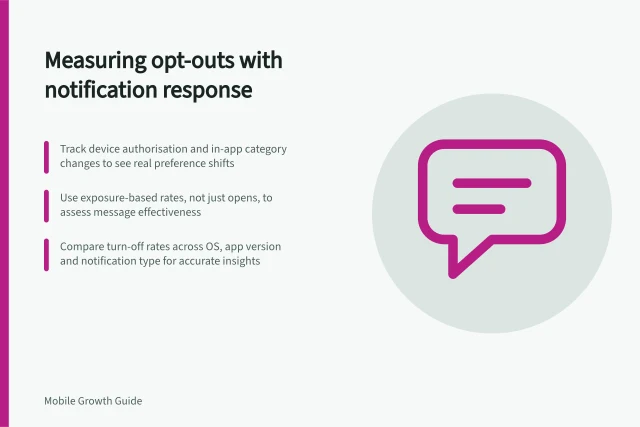
Review each category by eligible people, attempted messages, useful actions and observable turn-offs. Compare similar users with different exposure levels before inferring that a cap helped or harmed them.
If response falls as repeat exposure rises, inspect duplicates and message quality. If a cap blocks an essential update, revise its category rule or exception. Record the reason for each change.