Push Messaging
Part of Push notification strategy
Requesting push permission after explaining its value
Ask for push permission in context, explain the specific update, and handle approval, denial and later setting changes accurately.
Ask for push permission when someone reaches a task that makes the benefit concrete. Explain the update they can receive, let them decide whether it is useful, then show the system request if they choose to enable it. A first-launch prompt often gives too little context.
Find the moment of need
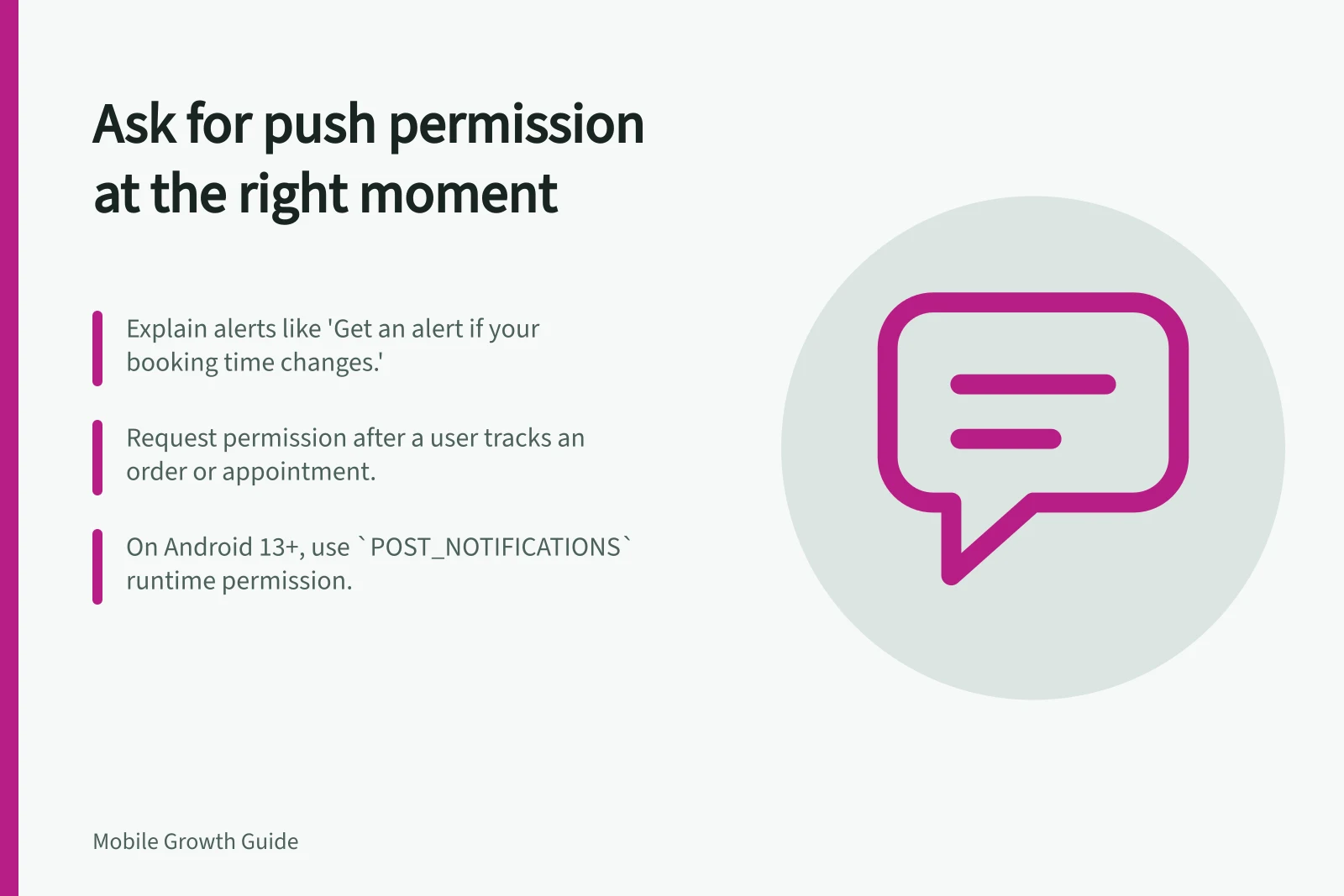
Start with an action that naturally creates a future update: someone who books an appointment may want a change alert, and someone following an order may want delivery progress. These examples do not mean every new user needs all notifications. ‘After the person chooses to track an order’ is a clearer trigger than ‘on the second screen’.
Name the notification type and benefit: ‘Get an alert if your booking time changes.’ If promotional updates are offered, give them a separate choice. Do not suggest an optional alert is essential when the task works without it.
Explain the choice before the system request
A short in-app explanation can offer ‘Enable alerts’ and ‘Not now’. Let ‘Not now’ end the request for that moment: continue the task and keep the update available in the app where practical. If the person chooses to enable alerts, request the notification interactions the app intends to use.
For a standard iOS authorisation request, the first request prompts for a decision and the system saves the answer. Repeating it does not produce a fresh prompt. People can change notification settings later, so check current settings before describing alerts as enabled.
On Android 13 and later, non-exempt notifications require the POST_NOTIFICATIONS runtime permission. An app targeting Android 13 or later controls when its dialog appears. Apps targeting Android 12L or earlier have less flexibility in requesting the permission in the context of app functionality. Design the explanation for the app's actual target version.
Android vs iOS notification permission handling
- iOSFirst request is saved by system; repeating does not re-prompt. Check current settings before assuming permission is granted.
- Android 13+Non-exempt notifications require `POST_NOTIFICATIONS` runtime permission. App controls when dialog appears based on target SDK version.
- Android 12L and earlierLess flexibility in timing permission requests. Must align with app functionality context.
Handle each outcome
After a grant, honour the categories the person selected; do not silently add optional topics. After a denial, keep the task usable and its notification settings accessible. On Android, dismissing the permission dialog without choosing leaves the permission state unchanged, so do not count a dismissal as approval.
Device authorisation and in-app topic preferences are separate. The device may allow alerts while the person has turned off offers in the app. A server-side preference can also remain on after device settings change. Use the latest device state the app can observe and the person's topic choice when deciding what to attempt, while recognising that device settings may change between checks.
Review the promise, not just the grant rate
Record how many eligible people saw the explanation, chose to continue and completed the task that led to the request. Review later category turn-offs and whether the resulting messages served the promised purpose. If the messages change, revisit the wording that introduced them.