App Analytics
Mobile app growth strategy
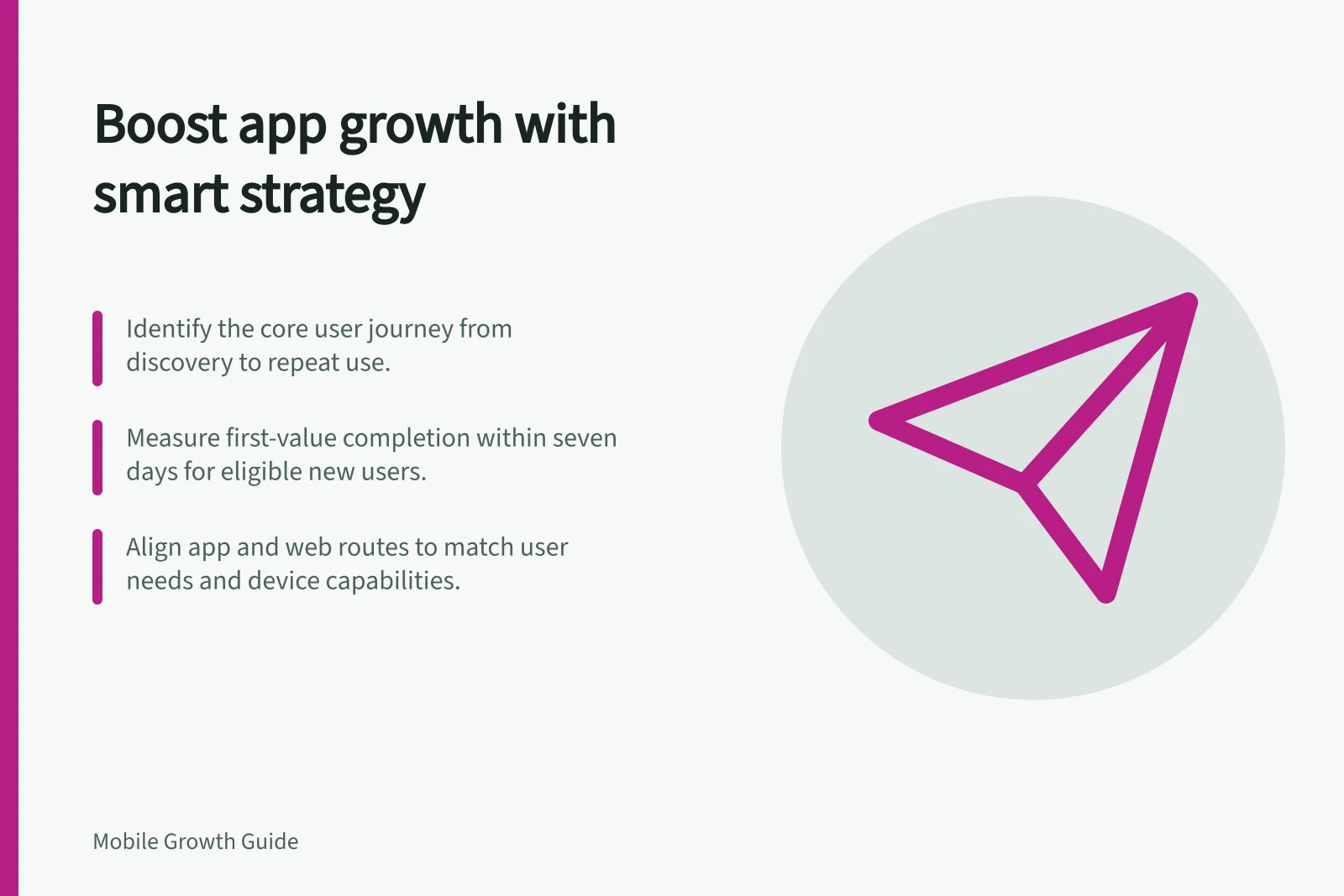
Build a mobile app growth strategy around discovery, first value and return use. Identify a journey problem and measure a change that matters.
A mobile app growth strategy helps the right people discover the app, reach a useful outcome and return when they need it again. Start with the outcome the app delivers.
Then identify a journey problem you can address and choose a measurable change. Downloads alone do not show whether people benefit from the app.
Map the journey before choosing a tactic
Describe what a new user must do, from first encounter to repeat use. The route might include a store listing or mobile page, download, first open, setup, a useful action and a later return. Some products have a purchase or subscription step; others do not.
| Stage | Question to answer |
|---|---|
| Discovery | Can the intended audience recognise the problem the app solves? |
| First visit | Does the promise match the product and the person's location and device? |
| First use | Can the person complete a task that gives them value? |
| Return | Is there a reason to use the app again at a frequency that fits the task? |
These stages are a planning model, not a standard analytics funnel. Define events and eligible users for your own product. An install, first open and completed task are different observations.
App Store Connect also separates download and usage measures. Its usage totals cover users who opted to share analytics data.
Key Stages in the Mobile App User Journey
- DiscoveryCan the intended audience recognise the problem the app solves?
- First visitDoes the promise match the product and the person's location and device?
- First useCan the person complete a task that gives them value?
- ReturnIs there a reason to use the app again at a frequency that fits the task?
Choose a problem you can address
If qualified people cannot find the app, investigate discovery. If they arrive but cannot complete the core task, more traffic will not resolve that task failure. If people complete it once but do not return, first ask whether the product meets a recurring need.
The largest measured drop is not automatically the priority. An event may be missing, the audience may include people who were ineligible, or the task may take longer than the reporting window.
Compare comparable groups over a suitable period, and check that completion events represent successful actions rather than taps or screen views.
An objective could be: “Increase the share of eligible new users who complete their first saved plan within seven days, while checking whether those plans are used again.” The saved plan and seven-day window are examples. Choose an audience, action, window and later check that fit your app.
Match the route to the user's job
An app download is a substantial request when someone needs an answer only once. A mobile website may serve that visit well. An installed app may suit an ongoing account or task. Decide from the user's journey and the capabilities the product actually offers.
If you offer both routes, decide what each should accomplish. A useful web page can let someone proceed without installing where practical.
On supported Android devices, a correctly configured App Link can open matching content in an installed app while its website URL remains available to people without the app. Confirm how your own routes behave across relevant devices and sign-in states.
Keep the promise consistent across an ad, store listing and first-use experience. For an existing audience, improving the route back to unfinished work may be more useful than acquiring more visitors.
Mobile App vs Mobile Website: When to Choose Which
- Pros of mobile appBetter performance, offline access, push notifications, deeper integration with device features (e.g. camera, GPS).
- Cons of mobile appHigher barrier to entry; requires download and installation; more complex updates.
- Pros of mobile websiteNo download required; accessible via browser; easier to update; ideal for one-off tasks.
- Cons of mobile websiteLimited access to device features; no push notifications; less persistent user engagement.
Measure progress beyond entry counts
- Entry:eligible visits, store interactions, downloads or first opens, depending on the question.
- First value:a completed action or outcome that demonstrates the app's core benefit.
- Later value:a repeat action or outcome within a window suited to the product.
- Cost or effort:what it took to produce those outcomes, where this can be measured reliably.
App Store Connect has separate definitions for downloads and usage. Record the source and denominator beside each measure.
A task-specific event may also need implementation. Check that an event represents the completed state before using it as a growth target.
Key Growth Metrics for Australian App Developers
- Eligible new users completing first saved plan
- Target: increase within 7 days
- Cost per acquisition (CPA)
- Measured against user retention and value delivery
- App Store conversion rate
- Total downloads and pre-orders ÷ unique device impressions
Interpret platform measures against the decision
App Store Connect separates discovery, acquisition, sales and usage measures. Discovery measures include impressions and product page views; downloads distinguish first-time downloads, redownloads and total downloads. This separation helps identify whether a change relates to being seen, being installed or what happens after installation.
Use the platform’s stated denominator when reviewing conversion. App Store Connect defines conversion rate as total downloads and pre-orders divided by unique device impressions. A pre-order contributes to the rate when placed and is not counted again when the app downloads, so the measure should not be treated as a simple comparison of page views with completed installs.
Availability affects what you can review. App Store metrics become available once an app has at least five first-time downloads or pre-orders. In-App Event metrics only appear after the app receives five first-time downloads from at least one In-App Event; an unavailable measure is not evidence of zero performance.
Choose measures that reflect the product’s commercial model, where relevant. App Store Connect sales measures include proceeds, In-App Purchases, paying users and refunds. Subscription measures cover subscriber state, trial starts, renewals, conversion and monthly recurring revenue, and require auto-renewable subscriptions.
A platform measure can be narrowed by dimensions such as territory or device type. Use those views when deciding whether an overall result applies to the audience or devices that matter for the journey, rather than assuming one aggregate figure describes every group.
App Store Connect: Downloads vs Usage Metrics
- DownloadsTotal first-time downloads, redownloads, and pre-orders; counted per unique device.
- UsageUsers who opted to share analytics data; includes first open and subsequent activity.
Review and decide
For each proposed change, record the audience, journey problem, expected behaviour, outcome event and reason you might reconsider. Where practical, assess one coherent change at a time. If acquisition creative and onboarding change together, account for both when interpreting the result.
End the review with a decision: keep the change, revise it, investigate measurement or stop it. Then revisit the whole journey.
In this guide
- App acquisition versus mobile website marketingDecide when to market an app, a mobile website or both by comparing the user's task, installation steps and completed outcomes.
- Choosing a growth objective from the app's user journeyUse the app's user journey to choose a specific growth objective, define its audience and outcome, and avoid misleading proxy measures.
- Identifying the first valuable action in an appFind an early app action that gives a new user value, define its completed state and check how it relates to later behaviour.